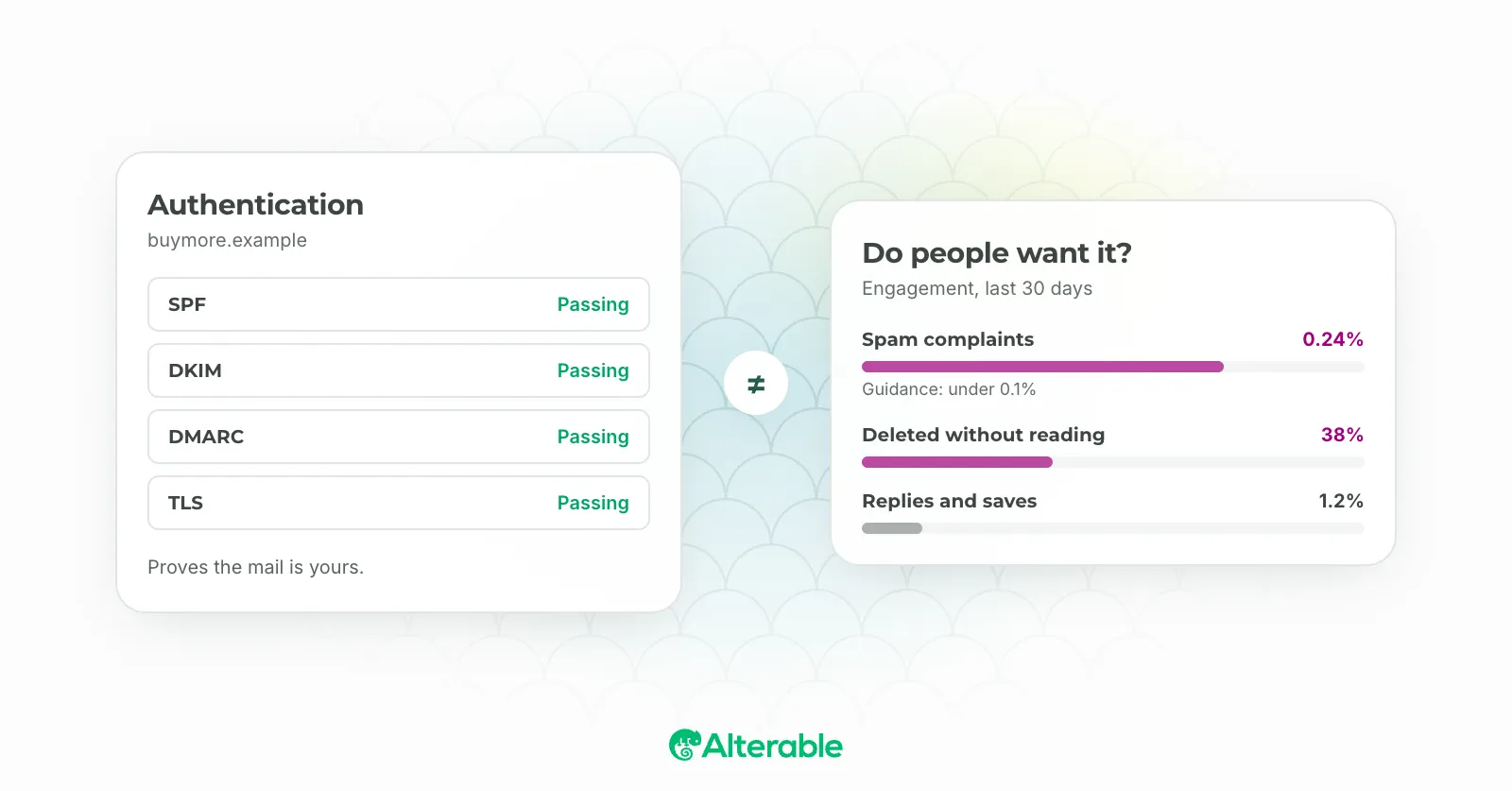
Every list has a number its owner is proud of. Forty thousand subscribers. A hundred thousand. The number goes in the board deck and nobody wants to see it go down. Which is exactly why so few lists get cleaned, and why so many senders are paying to mail people who stopped reading in 2022.
Email list cleaning is the practice of removing the addresses that no longer help you: the ones that bounce, the ones that never open, and the ones that were never real to begin with. It shrinks the number in the deck. It also, in my experience, improves every metric that actually matters, because the people who remain are the ones who wanted to be there.

Why a dirty list costs you
Mailbox providers score you on how recipients treat your mail. A list full of people who never open drags your engagement rate down, and a low engagement rate tells Gmail and Yahoo that your mail isn’t wanted. A list with old, abandoned addresses eventually contains spam traps, because that’s what abandoned addresses become. And a list with hard bounces you never removed tells the provider you aren’t paying attention.
The result is the frustrating pattern where a bigger list produces fewer opens in absolute terms, because more of the mail is going to spam. Cleaning reverses it. The list gets smaller, the inbox placement improves, and the opens go up. It feels wrong right up until you see the numbers.
There’s a cost argument too. Most ESPs bill by contact count. Every dormant address is a line on the invoice for someone who will never buy anything.
When to clean
Twice a year is a reasonable default for a list that gets mailed weekly. Do it sooner if you see a drop in open rates that doesn’t match a change in your content, a rise in bounces, or a warning from your ESP. And do it before any big send: a Black Friday campaign is the wrong moment to discover that a fifth of your list is dead.
How to clean an email list
- Define inactive. Pick a window. Ninety days is sensible if you mail weekly; six months if you mail monthly. Anyone who hasn’t opened or clicked in that window is a candidate. Be aware that Apple’s Mail Privacy Protection inflates opens, so where you can, use clicks as the signal.
- Run a re-engagement campaign first. One or two emails to the inactive segment asking plainly whether they still want to hear from you, with a one-click way to say yes and an easy way to leave. Our re-engagement post covers what to say. Expect a small percentage to come back; that’s the point, not the problem.
- Remove the rest. Anyone who didn’t respond goes. If it feels drastic, move them to a segment you mail quarterly, but be honest about whether you’ll ever do that. Most people don’t.
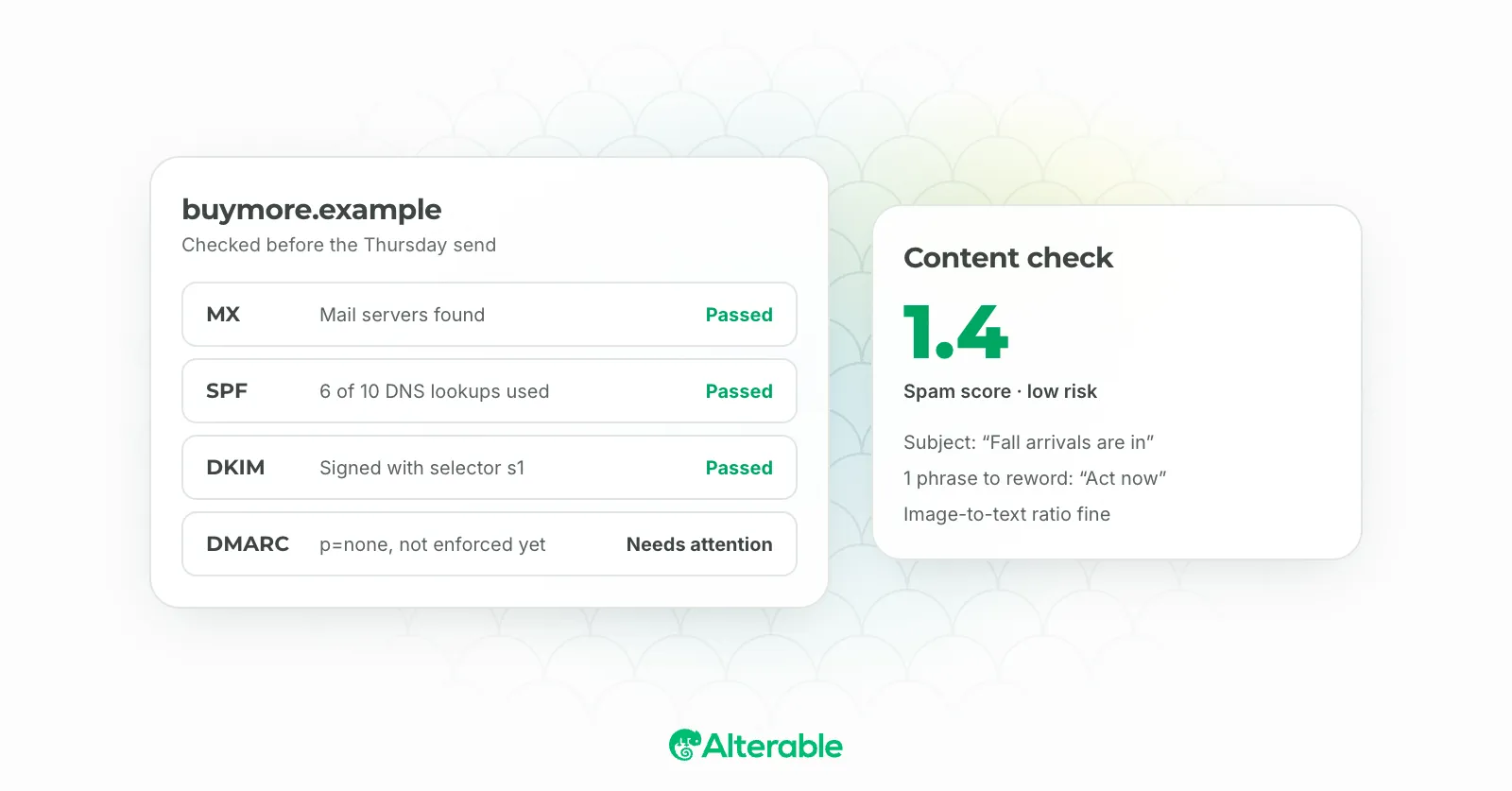
- Validate what’s left. Services like NeverBounce and ZeroBounce check every address for validity, catch-all domains, known complainers and disposable providers. This is the mechanical part, and it’s cheap relative to what a spam-trap hit costs. Our list validation post goes deeper on what they check.
- Fix the intake. A clean list gets dirty again at the same rate it got dirty the first time unless the form changes. Confirmed opt-in, a CAPTCHA, and removing hard bounces the day they happen keep the next clean small.
A few questions that always come up
Won’t I lose revenue? From people who haven’t opened an email in six months, almost none. The re-engagement step catches the few who were about to come back anyway.
Should I delete or suppress? Suppress. Keep the addresses in a suppression list so they can’t be re-imported from an old export and so you can prove consent history if asked. Just don’t mail them.
What about people who only read on mobile without loading images? That’s the click argument again. If your open data is unreliable, lengthen the window and lean on clicks and replies.
Worth the discomfort
Watching a list shrink is unpleasant. Watching your deliverability fall because you wouldn’t let it shrink is worse, and slower, and harder to reverse. Clean it, watch the engagement rate recover, and then put the smaller number in the deck next to the better one.