Add your locations
Add locations one at a time with a simple form, or import your whole store list by CSV. Then set a target URL, the maximum radius, and the maximum number of results to show.
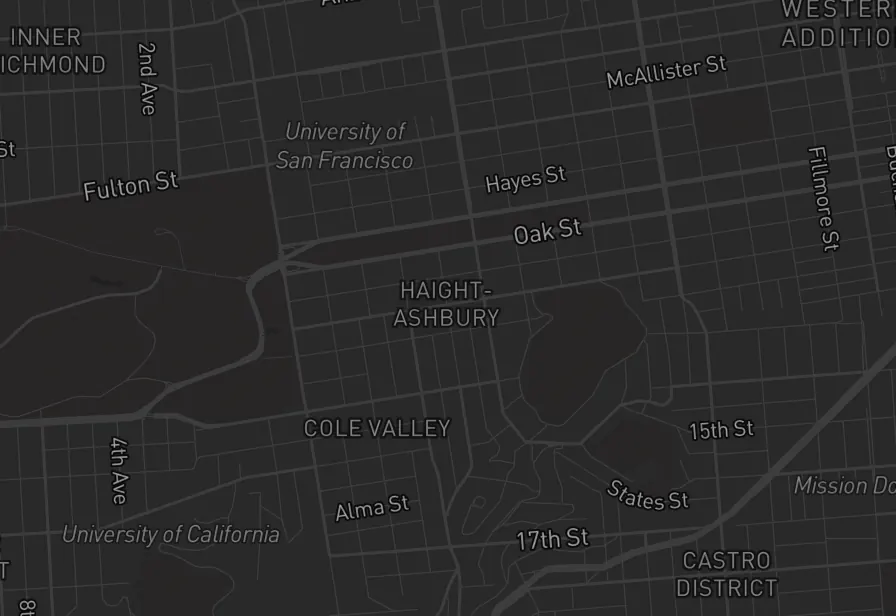
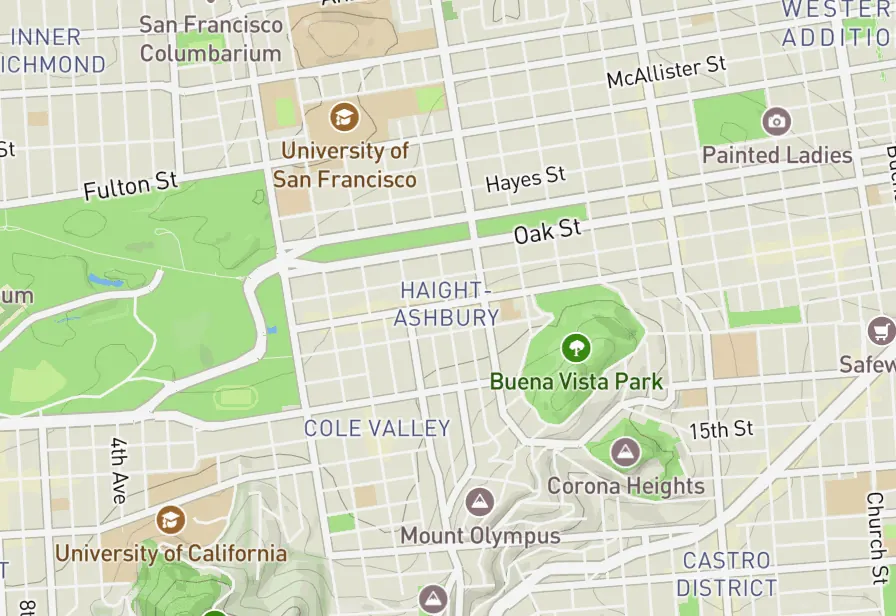
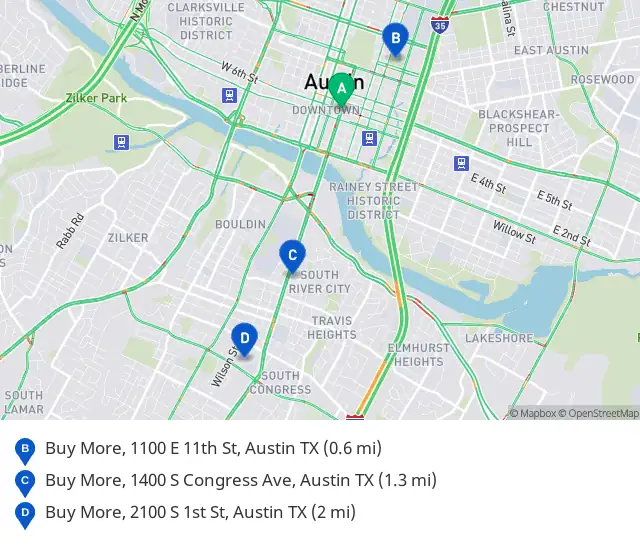
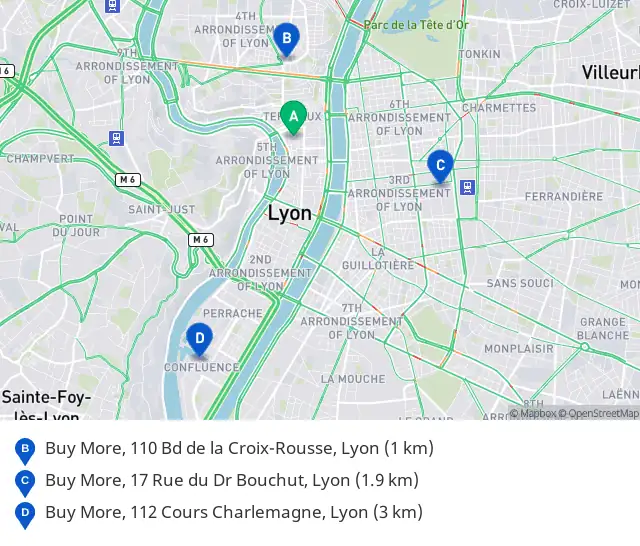
A geo-targeted map with points of interest, prompting subscribers to visit your store or explore nearby places, rendered for each recipient the moment they open.
On Pro and Scale, from $79/mo · Works with Klaviyo, Mailchimp + more
Your nearest store is closer than you think
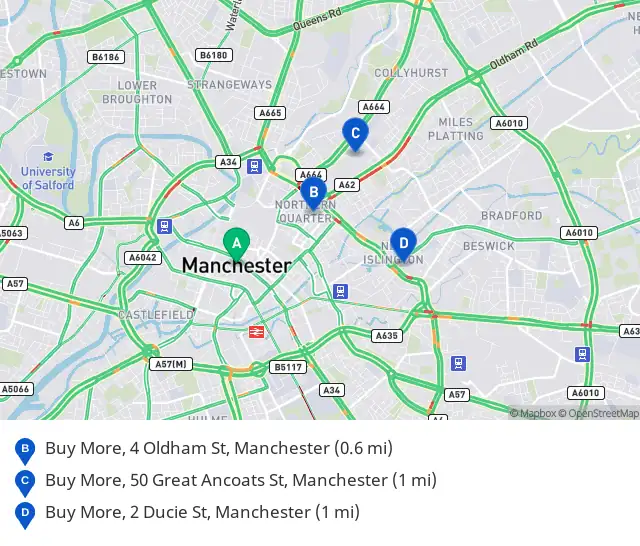
Show this email in store for 10% off.
A recreated email around real Alterable renders, one per city, drawn at each open.
Add your locations, style your map, paste one tag. Alterable finds each subscriber’s nearest locations at open-time, from the city your ESP fills in.
Add locations one at a time with a simple form, or import your whole store list by CSV. Then set a target URL, the maximum radius, and the maximum number of results to show.
Choose between Light, Dark, and Outdoors schemes. Set marker colors and labels, and pick the exact height and width for your template.
Paste one image tag into any ESP. With deep links on and the reader’s location known, a tap opens Apple Maps or Google Maps with directions to the nearest location; otherwise it goes to the link you set.
<a href="https://next.alterable.com/local-maps/click/7c1d3f0a-9b2e-4d6c-8a5f-1e4b2c3d4f5a">
  <img src="https://next.alterable.com/local-maps/7c1d3f0a-9b2e-4d6c-8a5f-1e4b2c3d4f5a.png?uid=%SUBSCRIBERID%&geo_city=YOUR_CITY_TAG" />
</a>
Rather see it in your own inbox?
Your local map should feel like part of the email, not a widget dropped into it. Pick a scheme, your marker colours and your font, and try the schemes on the preview.
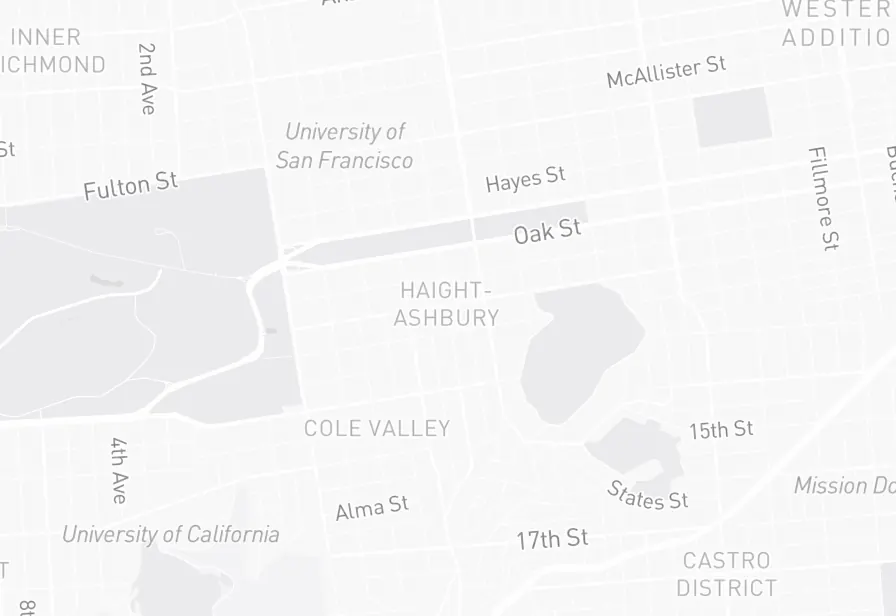
One setting in the dashboard. The scheme, markers, and size apply to every send.
Each one leans on a setting you choose once for the map.
Add the new store to your list and announce it to everyone. Readers within the radius you set see it pinned among their nearest stores; readers too far away are not shown a store they would never visit.
Setting: Maximum radius
A dealership group or clinic network reminds each customer that a visit is due, with a map of the location nearest them. With deep links on, a tap opens directions when the reader’s location is known.
Setting: Deep links
Load each stop as a location, with the date in its name. Each fan sees the stops nearest them, lettered on the map and listed underneath with the distance, up to ten.
Setting: Address list
A local map is just an image tag. Paste it into Klaviyo, Mailchimp, HubSpot, Brevo, or any ESP that accepts an image tag with merge tags. If it can show an image, it can show your map.
It goes in like any other image tag. The setup guides show where that is in 13 ESPs.
Building for several clients? Create and update any service through the REST API or the MCP server, on every paid plan.
The embed code
<a href="https://next.alterable.com/local-maps/click/MAP_ID">
  <img src="https://next.alterable.com/local-maps/MAP_ID.png?geo_city=YOUR_CITY_TAG&geo_region=YOUR_REGION_TAG&geo_country=YOUR_COUNTRY_TAG" />
</a>Mostly from you: add your ESP's city merge tag (or region and country) to the image URL and the map is drawn around that. When a mail client fetches the image directly, Alterable can also locate the open approximately, but most clients (Gmail, Yahoo, Outlook.com, Apple Mail with privacy protection) load images through a proxy that hides the reader. With neither, the reader's location is unknown: those readers see a fallback image you choose, and a tap goes to your fallback link.
Add them one at a time with a simple form, or import the whole store list by CSV. A map holds up to 100 locations on Pro, and any number on Scale. You then set a target URL, a maximum radius and how many results a map should show.
Pro and Scale. Every map is drawn for its reader at the moment they open, from a paid map service, so local maps are not part of the Free or Starter plans. Pro is $79 a month for 100,000 impressions, with up to 100 locations a map; Scale, at $299, has no limit on locations.
That is what the maximum radius is for: set it to the distance you would actually expect somebody to travel, and readers with no store inside it see your fallback image instead of a map of a shop they will never visit.
Still have questions? Contact us →
Local maps come with Pro, at $79/mo, with up to 100 locations a map, and with Scale, at $299/mo, for any number. CSV import on both, for the whole store list.
Cancel at any time · Works with every major ESP