Email design has always had one job: get a human to notice you, feel something, and click. For twenty years, that’s meant fighting for attention in a crowded inbox with subject lines, preview text, and the occasional well-timed GIF.
Apple Intelligence in Mail just added a second reader to that equation, and it isn’t human.
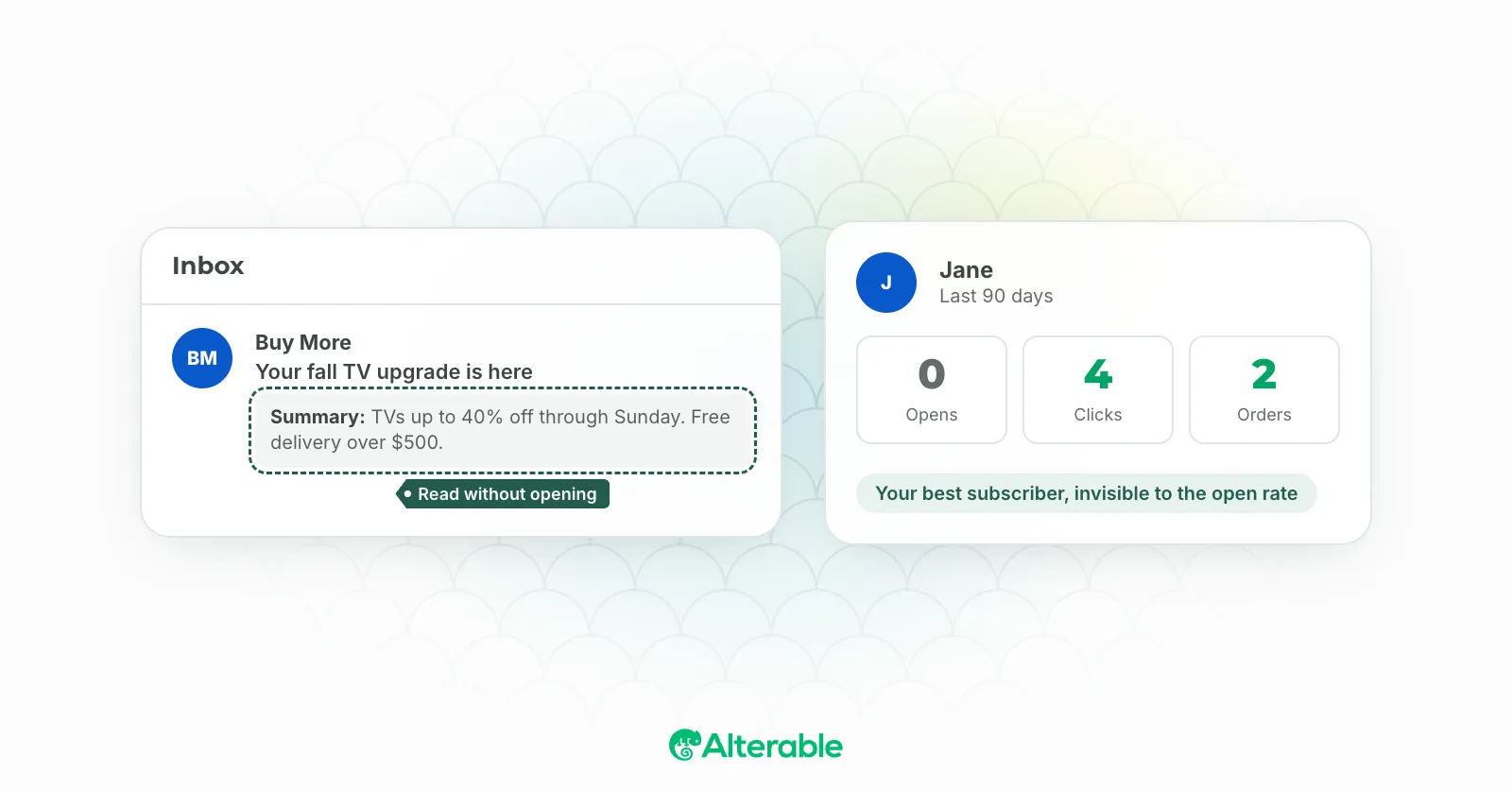
With iOS 27, Apple rebuilt how the Mail app finds, summarizes, and acts on your messages. Search now ranks by relevance and intent instead of keywords and recency. Long-press an email and Siri will summarize it, pull out a tracking number, or add a reminder without you ever opening the message. None of this is speculative. It shipped on September 14, and it’s already live on every Apple Intelligence-capable iPhone (the iPhone 15 Pro and newer).
What iOS 27 actually changed
Here’s the part that matters for marketers, not just Apple fans. According to MacRumors’ breakdown of the new Mail app, search results now rank “by relevance and intent” rather than raw keyword matching. Search “Sprouts” and your latest order shows up before this week’s 20%-off blast, even if the promo landed more recently.
Then there’s Ask Siri. Long-press a message and Siri can summarize it, extract a flight number, locate a tracking link, or delete every email from a sender, right from the inbox. And contextual suggestions go further still: Mail auto-detects flights, reservations, and tracking numbers, then offers to drop them straight into Calendar, Maps, or Wallet.
Translation: Siri is now doing the work your email used to do. Confirming a flight, tracking a package, remembering a reservation, that all used to mean opening your email and reading it. Now it can happen without a single tap.
The subject line isn’t the whole pitch anymore
The old rule of thumb says a good subject line is half the job. That’s still true for the human reader. But “relevance and intent” ranking means Siri is now grading your email too, on a different scale entirely.
A clever, curiosity-gap subject line that a person might open out of intrigue doesn’t mean much to a parser looking for order numbers and dates. So which one are you optimizing for? Increasingly, the honest answer is both, and that’s a harder brief than it sounds.
Write for the parser, not just the person
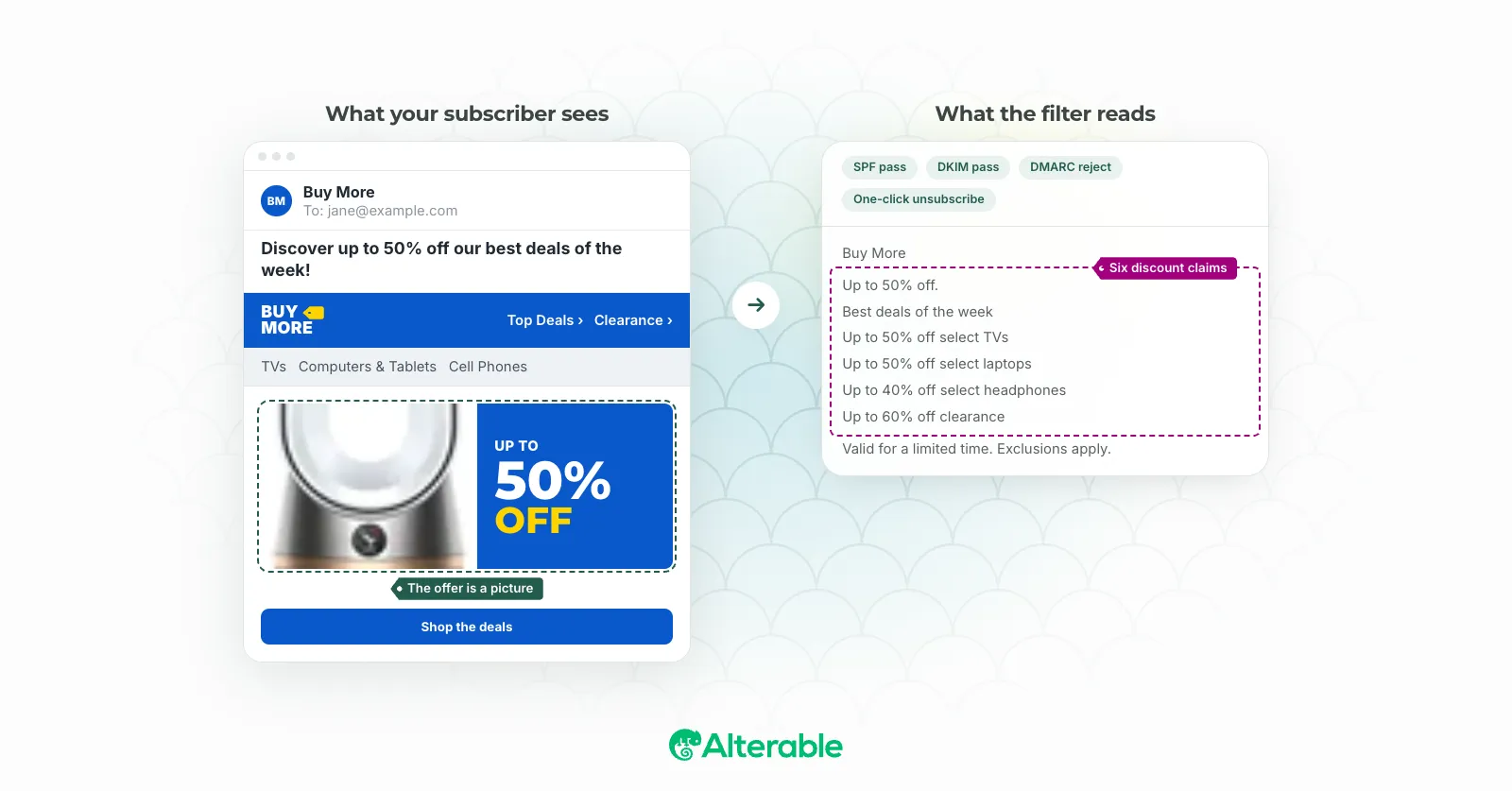
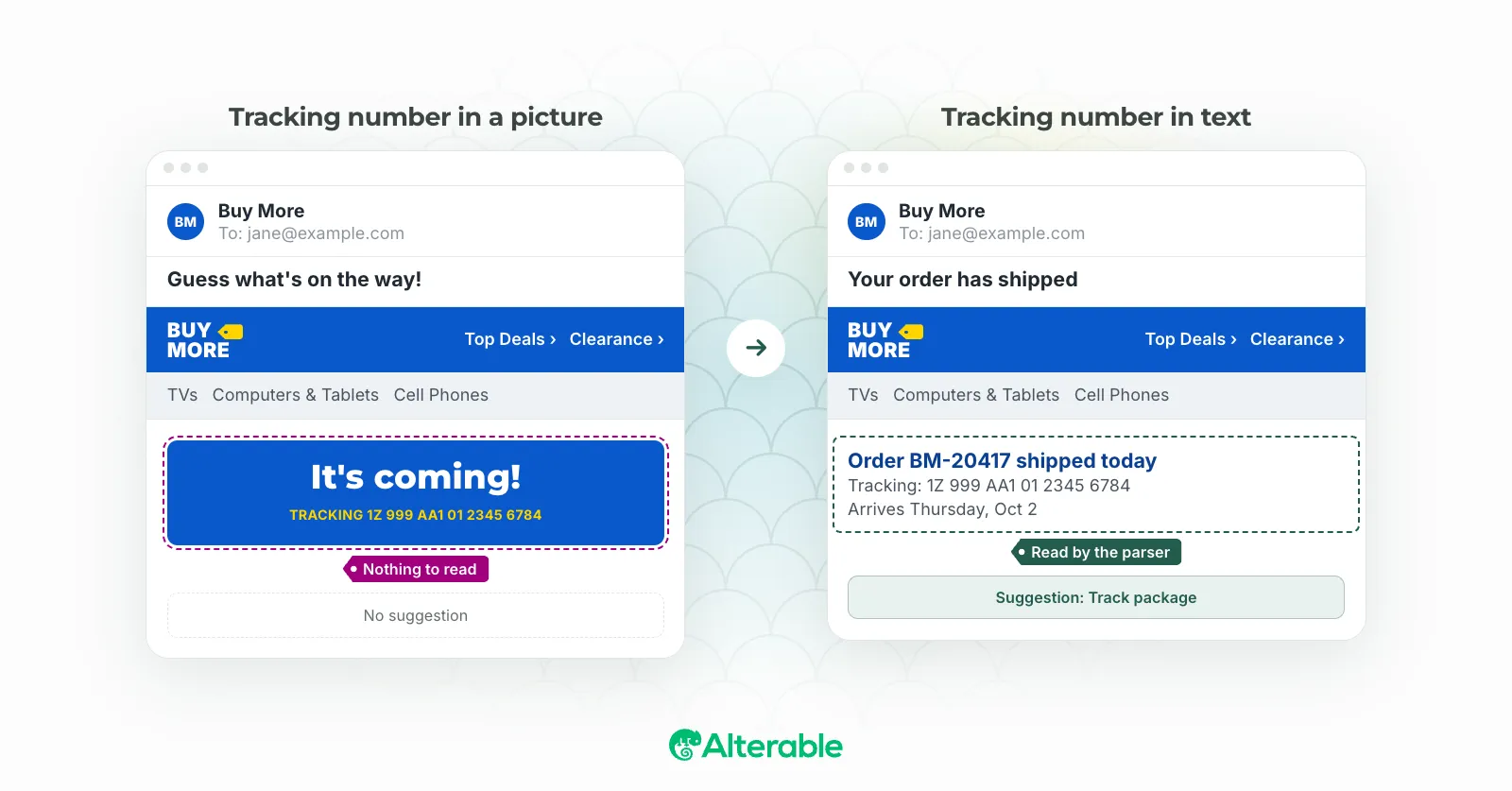
This is where it gets practical. If Siri is extracting flight numbers, tracking IDs, and reservation details straight out of your emails, that information needs to actually be extractable. Buried in a hero image, it’s invisible to Apple Intelligence. Written out in plain text near the top of the email, it’s fair game for a contextual suggestion that puts your brand name in front of the customer at exactly the moment they need it (checking a flight status, tracking a delivery).
A few things worth doing this quarter:
- Keep dates, confirmation numbers, and tracking IDs in real text, not just inside images.
- Say what the email is about early and plainly. “Your order has shipped” beats “Guess what’s on the way” for a parser, even if the second one wins on a human open rate test.
- Test your transactional and lifecycle emails specifically. These are the ones Siri is most likely to act on directly.
Clicks might dip. That doesn’t mean the relationship did.
Here’s the uncomfortable part. If Siri can hand someone their tracking status without them opening your email, your click-through rate on that shipping notification is going to look worse. I’d bet on it.
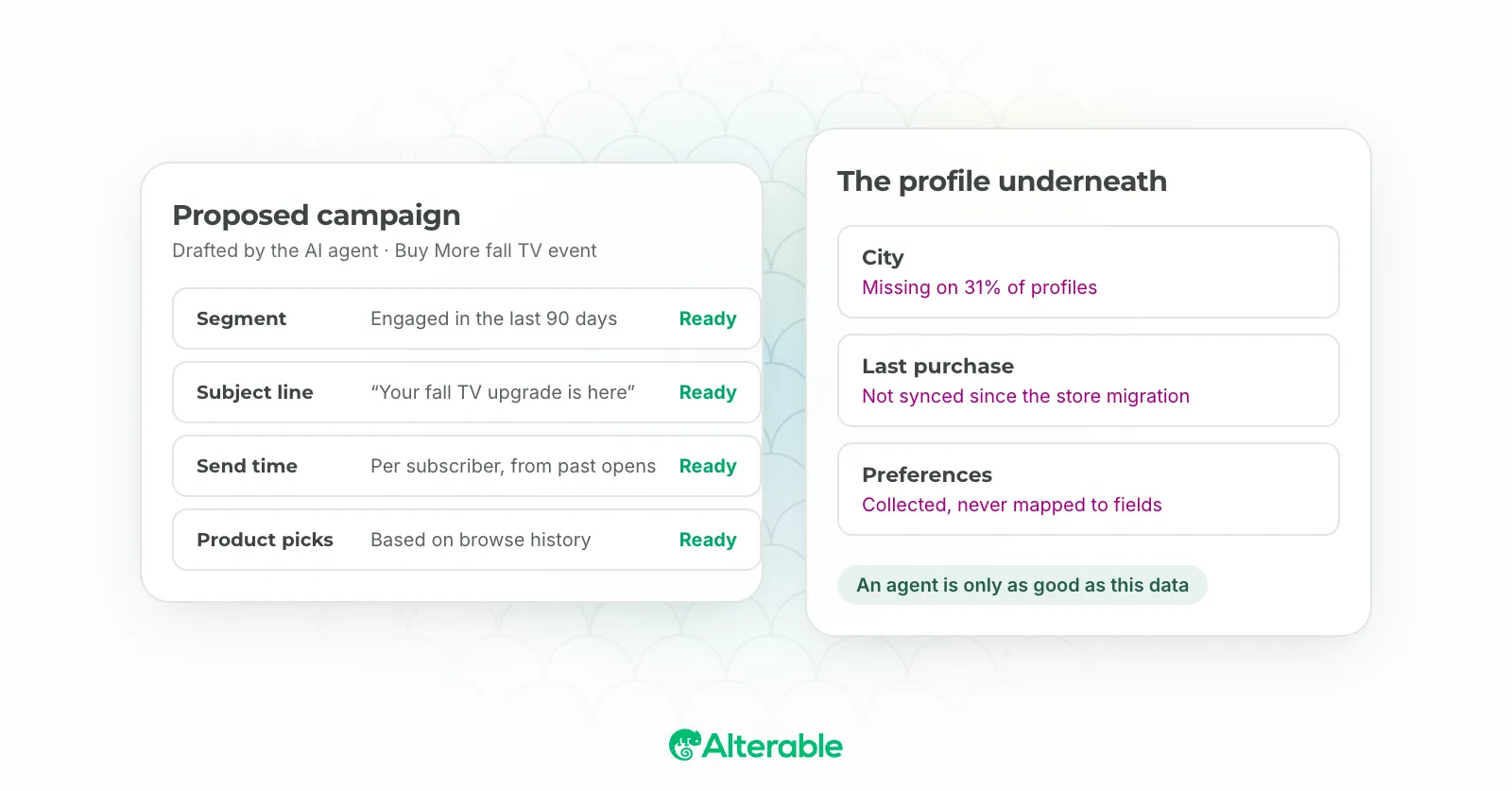
But that’s a measurement problem, not a value problem. The customer still got what they needed, from you, at the moment they wanted it. The job isn’t to force a click anymore. It’s to be the source Siri trusts enough to surface in the first place, which means being structured, accurate, and current at the moment the email is read (not just when it’s sent).
That last part is the piece most senders aren’t set up for. A tracking link that says “processing” three days after the package shipped isn’t just a bad look for a human reader, it’s actively wrong information for an AI reading it back to someone. This is the same problem real-time rendering was built to solve for humans: content that reflects what’s true right now, not what was true when you hit send. Turns out that’s exactly what Apple Intelligence needs too.