For a long time, setting up SPF and DMARC records meant either copying a template from a support article and hoping the syntax was right, or paying for a platform that made it slightly less painful. Neither option was great, especially if you were a marketer who just needed to get authentication set up and move on.
We’ve wanted to fix that for a while. Today we’re adding two new free tools to the Alterable toolkit: a free SPF record generator and a free DMARC record generator. No account required, no friction, just enter your settings and get a valid DNS record you can publish immediately.
Why we built these now
Email authentication went from “recommended best practice” to “actual requirement” in early 2024. Google and Yahoo’s new sender guidelines made SPF, DKIM, and DMARC mandatory for bulk senders, and the industry has largely followed. If you’re sending at any meaningful volume and your authentication isn’t in order, you’re not dealing with a theoretical deliverability risk, you’re dealing with a real one.
I’ve had conversations with senders who knew they needed to set this up but kept putting it off because the documentation felt technical and the stakes of getting it wrong felt high. The SPF specification alone runs to pages of RFC prose. DMARC has its own RFC, its own alignment rules, and three distinct policy levels to understand before you make a choice.
The generators take care of the syntax. You make the decisions; the tool writes the record.
What each tool does
The free SPF record generator builds a valid SPF TXT record based on your sending sources and your chosen enforcement level. Add your mail server, your ESP, your CRM, your transactional provider, whatever sends email on your behalf, and the tool outputs a properly formatted record ready to publish at your root domain.
It also surfaces the all mechanism choice (the part most guides gloss over) and explains what ~all versus -all actually means for mail that doesn’t match your authorized sources. Start with ~all if you’re not sure your record is complete, and tighten it once you’ve audited your sending setup.
The free DMARC record generator builds a DMARC TXT record with your policy level, reporting addresses, and optional subdomain and percentage settings. The policy progression is explained in the tool: start at p=none to collect reports without affecting delivery, move to p=quarantine once you’ve reviewed those reports and fixed any legitimate senders that are failing, and eventually reach p=reject when you’re confident everything in order.
One thing worth knowing about DMARC: the reporting addresses (rua=) matter. I’ve seen plenty of DMARC records that were technically valid but had no rua= configured, meaning the sender was enforcing a policy with no visibility into what was failing. Set up the reporting address. Read the reports. The rollout only works if you’re watching the data.
These tools join two we already offer
We’ve had a free email spam checker and a free email deliverability test for a while now.
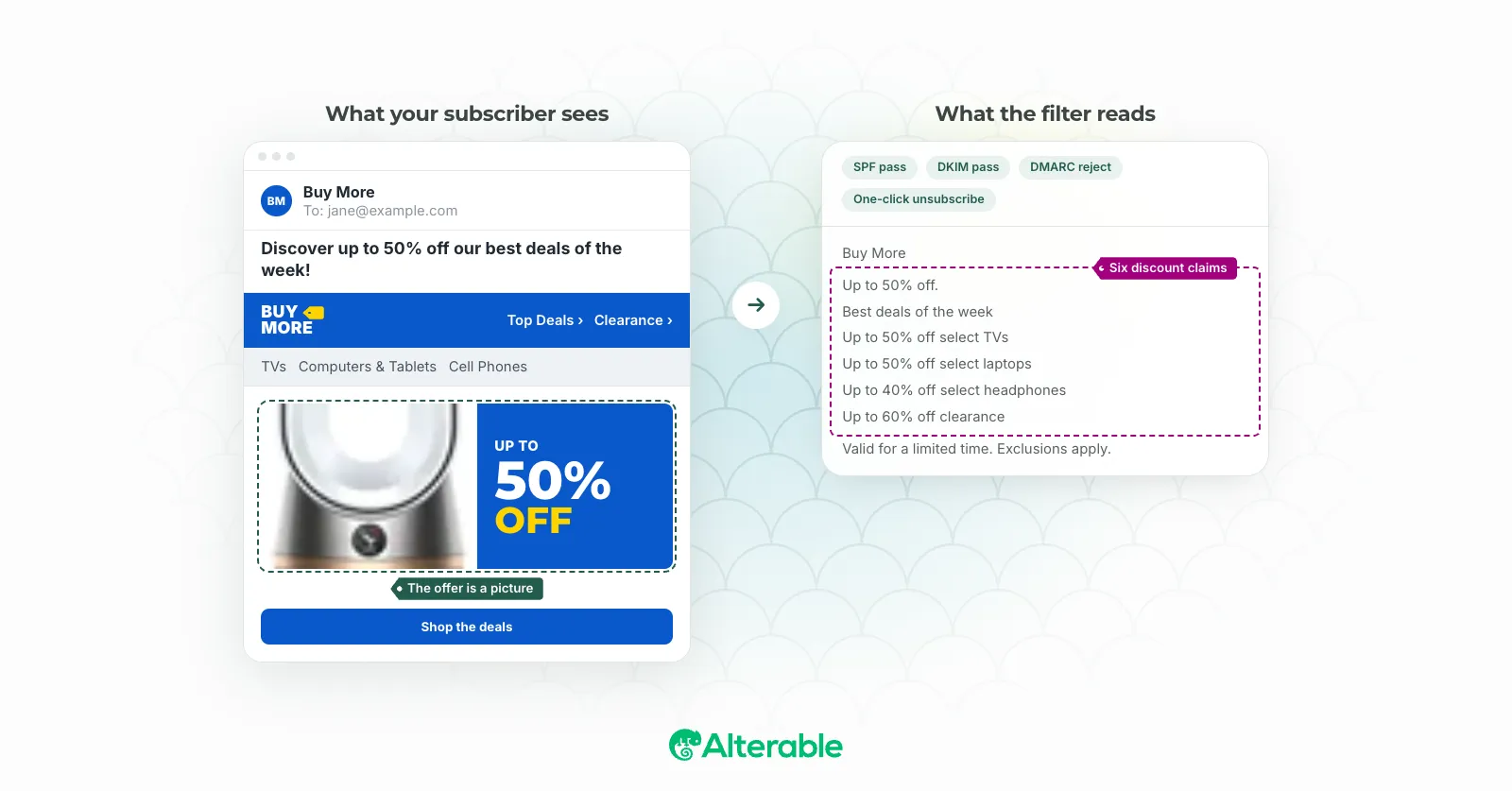
The spam checker analyzes your email content against spam filter signals, trigger phrases, text-to-image ratio, link density, subject line patterns, and returns a score with a breakdown of what’s flagging. It’s most useful right before a send, when there’s still time to fix something.
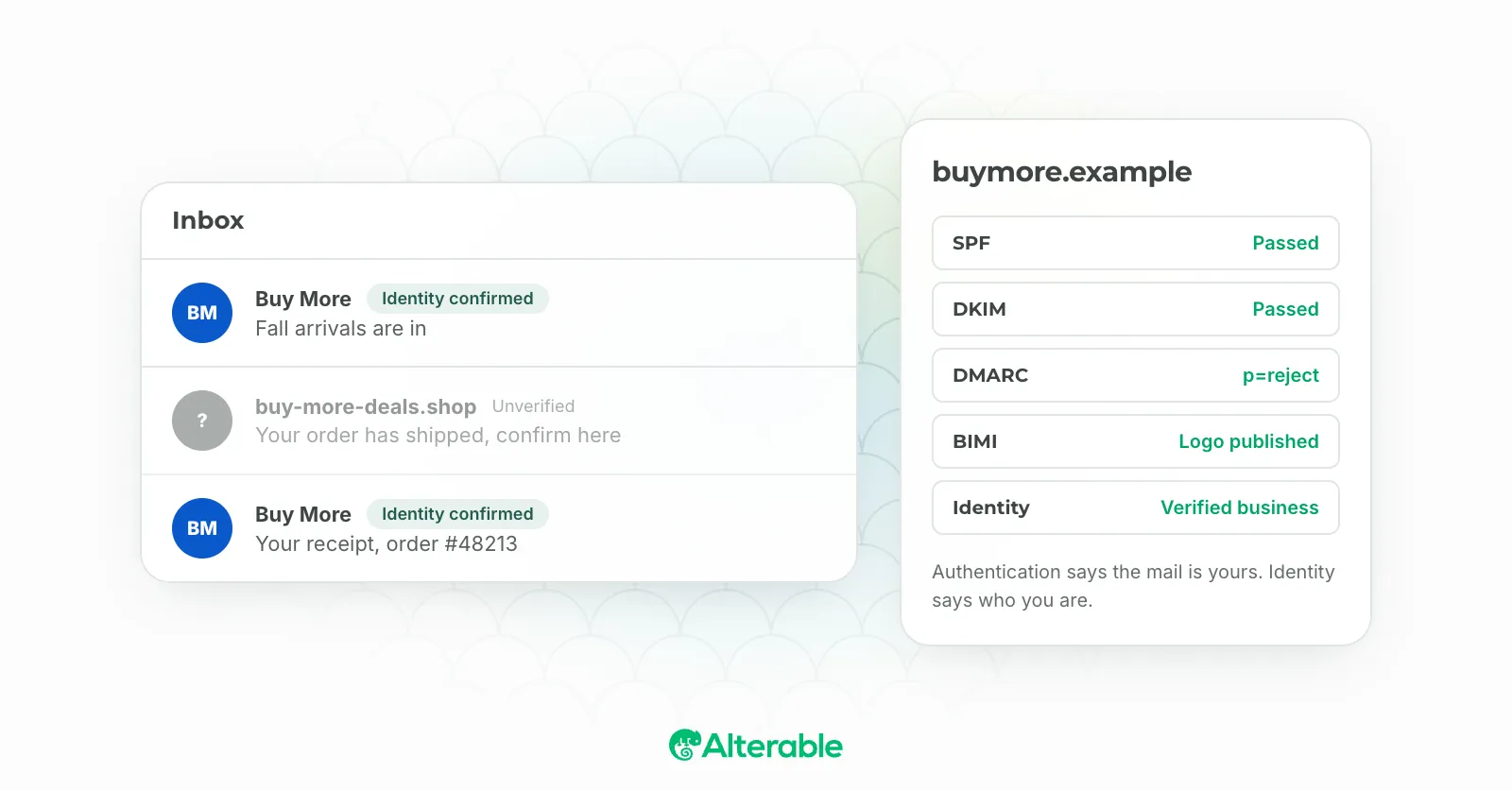
The deliverability test checks your domain’s live authentication setup: whether your SPF, DKIM, and DMARC records exist, whether they’re valid, and what policy level you’re operating at. Think of it as the outside-in view of your domain, the same perspective a receiving mail server has.
Together, the four tools cover the two biggest controllable factors in email deliverability: authentication and content. Use the generators to set up or fix your DNS records, the deliverability test to verify them, and the spam checker to review your content before it goes out.
How to use them together
If you’re starting from scratch or doing a full authentication audit, here’s the sequence I’d recommend:
- Run the email deliverability test to see what’s currently in your DNS, what’s passing, what’s failing, what’s missing.
- Use the SPF record generator to build or rebuild your SPF record, then publish it and re-run the test to confirm.
- Use the DMARC record generator to create a
p=nonerecord with your reporting address. Publish it, let reports accumulate for a few weeks, and then revisit your policy level. - Before your next campaign send, run the spam checker on your content.
It’s not glamorous work. Authentication setup rarely is. But it’s the kind of thing that pays dividends quietly, in the background, every time one of your emails reaches the inbox it was supposed to reach.
All four tools are free, no login required. If you find them useful, we’d love to hear about it.