You usually find out from a bounce. A campaign goes out, the delivery rate drops off a cliff, and buried in the bounce log is a line like 550 5.7.1 Service unavailable; client host blocked using zen.spamhaus.org. Nothing changed in your ESP. Nothing changed in your template. Somewhere, a database you’ve never logged into decided your mail is spam, and a large share of the world’s mailbox providers took its word for it.
That’s an email blacklist, or blocklist, the term the industry has moved to. Both words mean the same thing and you’ll see both on every tool page, so I’ll use them interchangeably here. This post covers which lists matter, how to run an email blacklist check on your own IP and domain, why senders end up listed, and how to get off without being back on a week later.
What a blocklist actually is
A blocklist is a DNS-published database of IP addresses or domains that its operator believes are sending spam. When your message arrives at a mailbox provider, the receiving server looks up your sending IP, and often your domain and the domains in your links, against one or more of these lists before it decides what to do. Listed means rejected, or filtered to spam, depending on the provider’s policy.
Nobody has to consult a blocklist. Each provider chooses which lists it trusts. That’s why a listing on one obscure list can have no visible effect while a listing on another stops your mail cold: the second one is consulted by the providers your subscribers actually use.
The lists that matter
Aggregator tools will check your IP against a hundred or more lists. Most of them are irrelevant to bulk email. These are the ones I’d actually worry about:
- Spamhaus ZEN. The one that matters most. ZEN combines Spamhaus’s IP lists: the SBL for known spam sources, the XBL for compromised machines and open proxies, the CSS for IPs showing spam-like sending patterns, and the PBL, which isn’t about behaviour at all but lists IP ranges that shouldn’t be sending mail directly, like residential broadband. Spamhaus also runs the DBL, a domain list that catches the domains in your From address and your links.
- Barracuda Reputation Block List. Used by Barracuda’s own filtering appliances, which sit in front of a lot of corporate mail. If your B2B deliverability falls while consumer domains look fine, check here.
- SpamCop. Fed by user reports. Listings are short-lived, expiring roughly a day after the last report, so a SpamCop listing tells you something about a specific send rather than about your reputation in general.
- Invaluement, SURBL and URIBL. Smaller lists that some filters weight heavily. SURBL and URIBL list domains that appear in spam, so a link shortener or a tracking domain shared with a bad actor can land you there.
One that no longer matters: SORBS. Proofpoint shut it down in June 2024 after two decades. If a checker still shows a SORBS result, the tool is stale.
How to run an email blacklist check
Three places, in the order I’d use them:
- Your bounce log first. The rejection message names the list. That’s faster than any tool and tells you exactly which operator to deal with.
- An aggregator. MXToolbox’s blacklist check and MultiRBL query dozens of lists at once for an IP or a domain. Check both your sending IP and your sending domain, because they’re listed separately.
- The operator’s own lookup. For anything Spamhaus, go to check.spamhaus.org, which shows the specific list and the reason. Aggregators sometimes lag or misreport, and the delisting process starts there anyway.
If you send through an ESP on shared IPs, the IP in your bounce log belongs to them, not you. Check it anyway. A shared IP listing is your problem to notice even if it’s their problem to fix.
Why senders get listed
In my experience the cause is almost never that someone set out to spam. It’s one of these:
- Spam traps on the list. Addresses that no real person uses, seeded to catch senders who don’t manage their lists. You collect them by buying or scraping addresses, or by keeping subscribers who went dormant years ago and whose addresses were recycled into traps.
- A sudden volume spike. A new domain, or an old one, sending ten times its normal volume overnight looks like a compromised account. Warm up instead.
- Complaint rate. Enough recipients hitting “report spam” and the reports flow into SpamCop and into the providers’ own systems.
- A compromised account or an open relay. Someone else is sending through your infrastructure. The XBL exists for this.
- Your signup form was abused. List bombing turns an unprotected form into a spam cannon aimed at someone else, and Spamhaus has listed ESPs over it.
- A neighbour on a shared IP. Not your fault, still your bounce.
Getting delisted
The order matters here. Fix the cause first, then request removal. Every operator says this and most people do it the other way round, get delisted, and are relisted within days because the behaviour that triggered it is still running.
Once the cause is fixed:
- Spamhaus handles SBL and CSS removals through its lookup portal, with a form that asks what you changed. A PBL listing isn’t about you at all: it means the IP range isn’t meant to send mail directly, and the fix is to send through a proper mail server or your ESP rather than to request removal.
- Barracuda has a removal request form on the lookup page. Expect it to take a day or so.
- SpamCop expires on its own once reports stop. Requesting removal does nothing the clock won’t.
- Shared IP at your ESP. Tell them. They can move you, and they need to know which of their customers caused it.
Staying off
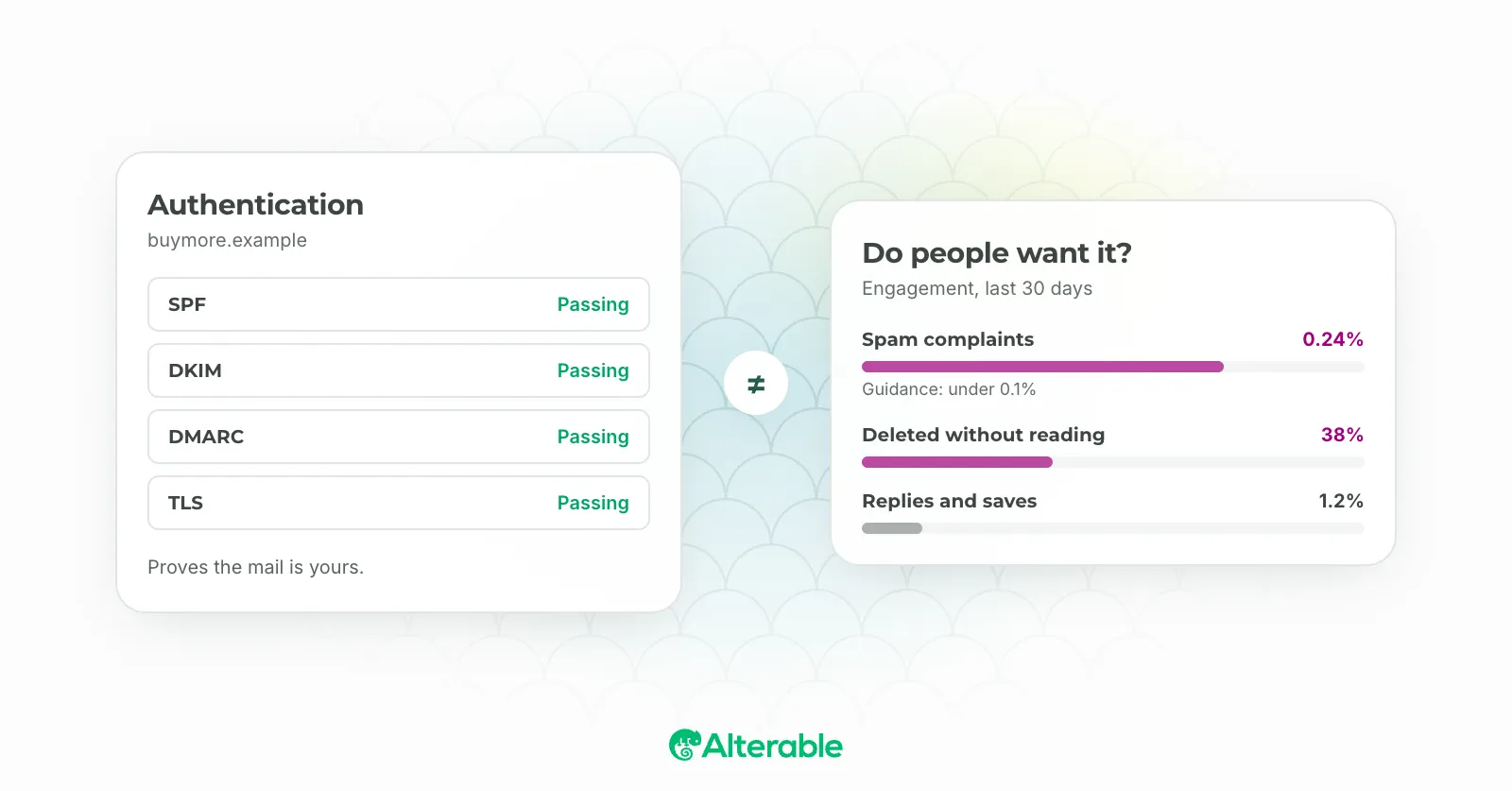
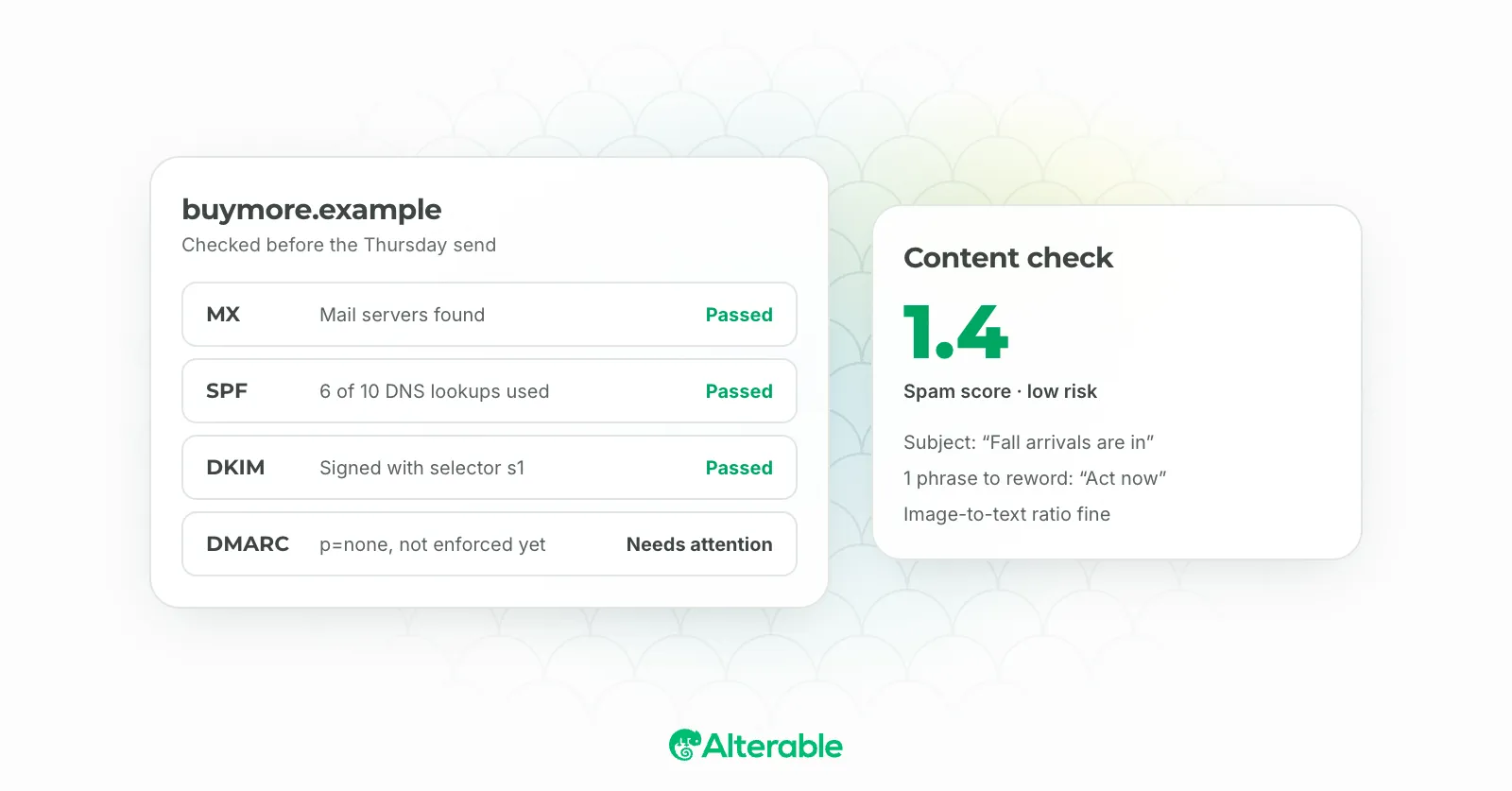
None of this is exotic. Confirmed opt-in on every form, with a CAPTCHA in front of it. Remove hard bounces the day they happen, because a bounced address that stays on your list is the one that becomes a trap. Sunset subscribers who haven’t opened in six months. Keep volume consistent week to week. Sign up for the provider feedback loops so you see complaints before a blocklist does. And get SPF, DKIM and DMARC right, which the free deliverability test will confirm in a minute.
A blocklist listing feels like a verdict. It’s closer to a smoke alarm. Something in your sending set it off, and the alarm stops when the smoke does.