The same email deliverability questions arrive in our inbox every week, usually right after a campaign underperformed and someone went looking for a reason. Rather than answer them one at a time, here they all are, with the answers I’d give a colleague: short where the answer is settled, longer where it depends.
Why are emails going to the spam folder?
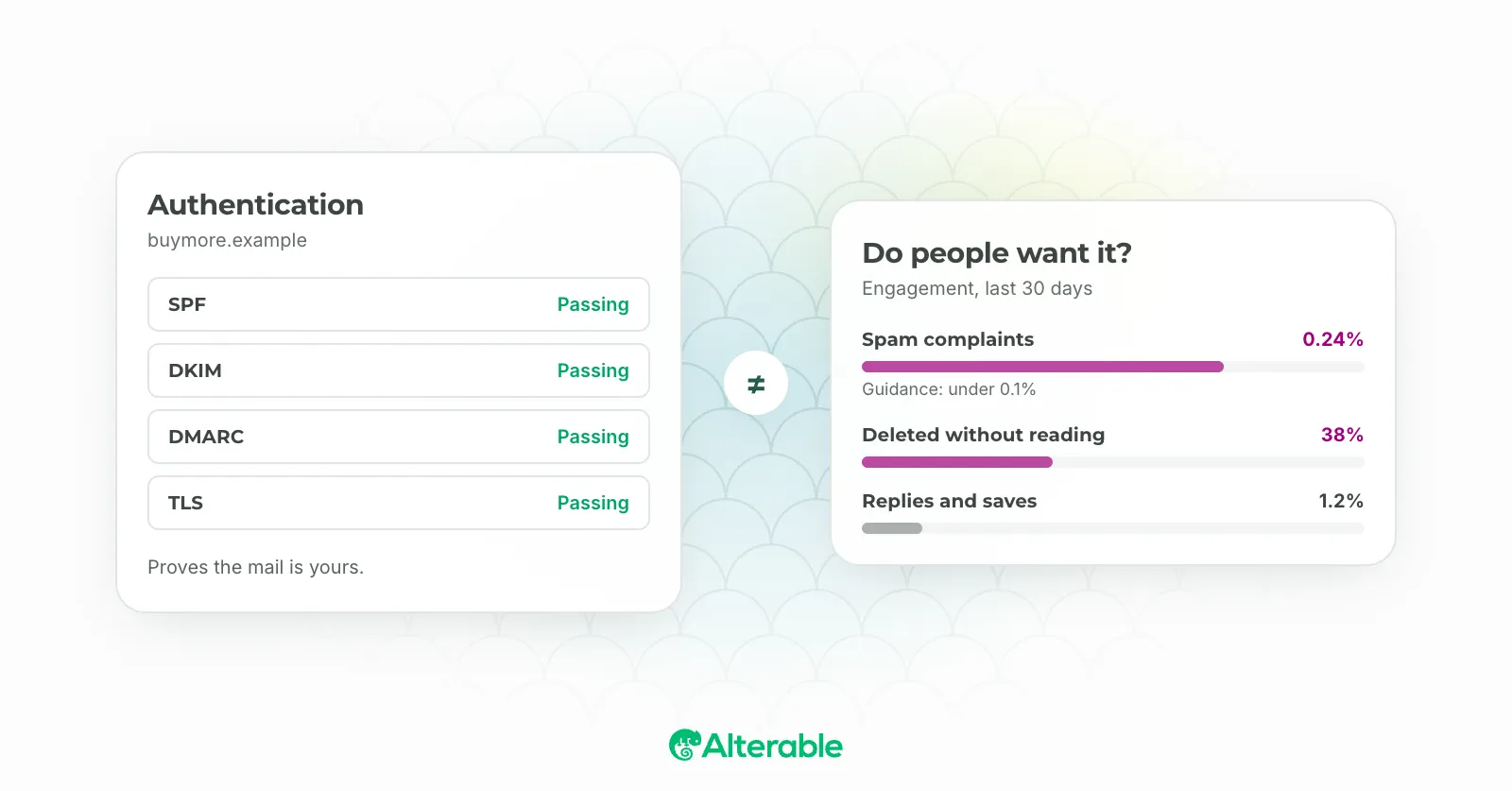
Spam filters have gotten remarkably sophisticated, and the triggers aren’t always obvious. The classics still apply: misleading sender names, subject lines packed with exclamation marks, or emails that are almost entirely image with barely any text. But I’ve seen perfectly clean-looking emails land in spam simply because the sender hadn’t set up domain authentication properly.
The most common culprits: sending to subscribers who never opted in or haven’t engaged in a long time (which tells inbox providers your list isn’t well-maintained), using phrases that trigger filters even when your intent is legitimate, missing or broken SPF, DKIM, or DMARC records, and a sender reputation that’s taken a hit from previous complaints or bounces.
The fix isn’t complicated, but it requires consistent habits. Send relevant content to people who actually signed up to hear from you. Authenticate your domain. Keep your list clean. None of it is glamorous, but it’s what actually works.ectly. Regularly clean up your email list to remove inactive subscribers and prevent bounces.
Why do subscribers “bounce,” and what should I do with them to prevent email deliverability issues?
A bounce means your email couldn’t be delivered. There are two types, and they need different responses.
A soft bounce is temporary. The recipient’s inbox is full, their mail server is down, or the message got flagged for size. Most ESPs retry soft bounces automatically after a set number of attempts, so you often don’t need to intervene.
A hard bounce is permanent. The address doesn’t exist, the domain is gone, or delivery has been explicitly rejected. Remove hard bounces immediately. Not at the end of the quarter. Immediately. Continuing to send to addresses that can’t receive email damages your sender reputation in a way that takes real effort to undo.
One thing worth knowing: a creeping bounce rate is usually a symptom, not just a consequence. It often means list hygiene has slipped somewhere, whether that’s an old import, a broken sign-up form, or subscribers who’ve changed jobs and left those inboxes behind.
What must I do to my DNS settings when using an email marketing platform?
When you send through a third-party platform, inbox providers need a way to verify that the email actually came from you and that you authorized that platform to send on your behalf. That’s what DNS authentication is for.
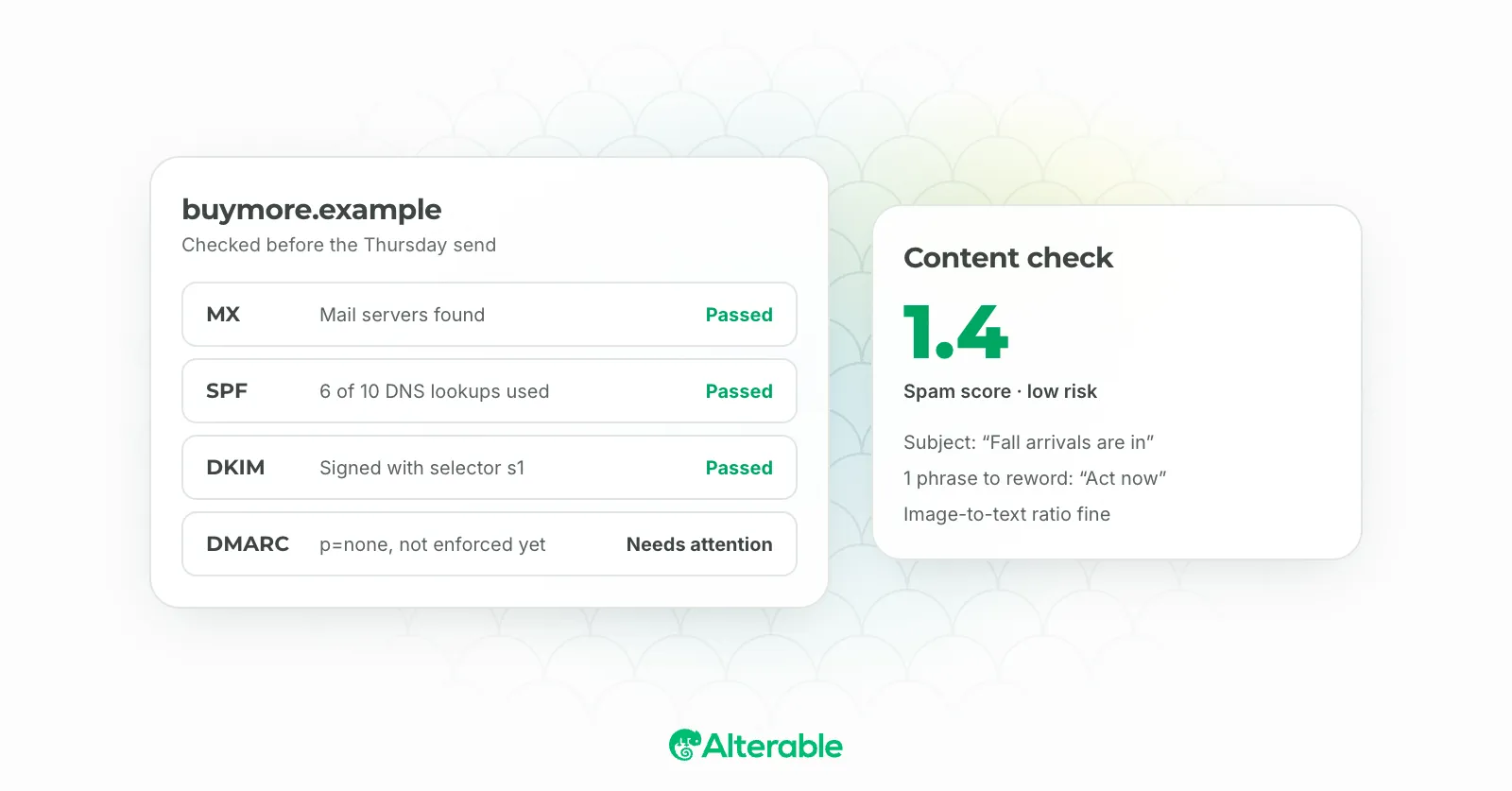
Your ESP will give you specific records to add to your domain’s DNS settings. At minimum, you need SPF (Sender Policy Framework) and DKIM (DomainKeys Identified Mail). Most platforms walk you through exactly what to add and where. DMARC is worth setting up as well. It tells inbox providers what to do if an email fails those checks, and it’s increasingly expected by major providers like Gmail and Yahoo.
The process looks more intimidating than it is. If you’re comfortable logging into your domain registrar, it’s usually a matter of copying and pasting a few records. Follow your ESP’s instructions carefully, and once you’re done, use a tool like MXToolbox to verify everything is configured correctly.
How often should I send emails to my list to maintain good deliverability?
There’s no universal answer here, and anyone who tells you “send every Tuesday at 10am” is oversimplifying. The right frequency depends on what you promised subscribers when they signed up, how much genuinely useful content you have to share, and how your audience actually behaves.
What I can say with confidence: consistency matters more than raw frequency. Sending once a month reliably, with content people want, will serve your deliverability better than sending sporadically at whatever volume you can manage. Inbox providers notice irregular patterns.
The floor I’d set is at least once a month to maintain presence with your list. Below that, subscribers start to forget who you are, and a “who is this?” reaction leads directly to spam complaints. The ceiling depends on your content. If every email delivers real value, you can push that frequency higher. If you’re stretching to fill a slot, your engagement metrics will tell you fairly quickly.
Why are my emails sent from a blocklisted IP?
Getting blocklisted usually means your sending reputation crossed a threshold that a blocklist operator decided was unacceptable. Spam complaints, sending to invalid addresses, or hitting spam traps can all contribute. It doesn’t always mean something egregious happened. Senders with genuinely good intentions get blocklisted too, typically because of list hygiene issues they didn’t catch in time.
The first step is figuring out which blocklist you’re on. Tools like MXToolbox Blacklist Check let you check your IP against dozens of lists at once. Once you know where you’re listed, most blocklists have a delisting process, usually a request form and a waiting period.
That said, delisting without fixing the underlying problem just means you’ll be back on the list soon. Address the root cause first: clean your list, confirm your authentication is solid, and get your complaint rates down. Some senders also move to a dedicated IP address to separate their reputation from shared infrastructure, which can help if your volume supports it.
A subscriber told me they are not receiving my emails; what can I do?
If a subscriber reports that they’re not receiving your emails, there are several things you can do to This one requires a bit of detective work, because the cause could be almost anything.
Start with the easy checks. Ask the subscriber to look in their spam or junk folder. That’s where the email most likely ended up. Also confirm their address is correct in your system and that they haven’t been accidentally added to your suppression or unsubscribe list.
If those come back clean, look at your sending logs. Most ESPs show delivery status at the individual address level. A “delivered” status means the message reached their mail server, which narrows the problem to their side (spam filtering, inbox rules). A failed or deferred status means something went wrong before it even arrived.
If you’re seeing delivery issues to a particular domain consistently, check your authentication and complaint rates. One subscriber reporting an issue is usually isolated. Multiple subscribers from the same provider reporting it is a signal worth investigating properly. You can also try reaching the subscriber through another channel to confirm whether it’s an isolated inbox issue or something broader.
I used an email testing tool, and my sender score is low. What does this mean, and how can I use it to help email deliverability?
Your sender score is a measure of your sending reputation, and a low one is a signal that something in your practices needs attention. It’s calculated from factors like engagement rates, spam complaints, bounce rates, and blocklist history. Think of it like a credit score for email: it reflects your history, and it influences whether inbox providers trust your messages.
A low score doesn’t necessarily mean you’re doing something wrong. I’ve seen senders with genuinely good content land a poor score simply because they hadn’t cleaned their list in years, or because they didn’t realize how many complaints had accumulated. It’s worth digging into the details before drawing conclusions.
The path to improvement is consistent even if it’s slow. Remove hard bounces and long-inactive subscribers. Tighten how you acquire new addresses. Monitor your complaint rates through tools like Google Postmaster Tools. Improve your content relevance so fewer subscribers ignore or report your emails. Sender scores don’t recover overnight, but steady improvements to list health and engagement will move the number in the right direction.
What is the domain warm-up process, and do I really need to do it?
Yes, you really do. Skipping the domain warm-up process is one of the most common mistakes I see marketers make when they switch email platforms or set up a new sending domain.
The short version: inbox providers like Gmail and Outlook have no sending history on your new domain, so they watch your early sends very carefully. If you suddenly blast 100,000 emails from a domain they’ve never seen before, spam filters don’t give you the benefit of the doubt. They assume the worst.
The warm-up process fixes this by gradually increasing your sending volume over several weeks. You start small, a few hundred emails to your most engaged subscribers, and build from there. Each send accumulates positive history: opens, clicks, replies. That history tells inbox providers you’re a legitimate sender worth trusting.
A few things worth keeping in mind. Prioritize your best subscribers early in the warm-up. You want high engagement during this period because it signals credibility. Monitor your bounce rates and spam complaints closely; any spike is a sign to slow down. And expect the process to take four to eight weeks for most senders, longer if you’re working toward high volumes.
Some ESPs offer automated warm-up tools, which can help. But even with automation, the underlying principle is the same: earn trust before you ask for inbox placement at scale.
How do I check my Gmail sender reputation?
Google has a free tool called Google Postmaster Tools that gives you direct visibility into how Gmail views your sending domain. If a meaningful portion of your list uses Gmail addresses (and it almost certainly does), this is worth setting up.
Once you’ve verified your domain, Postmaster Tools shows you domain reputation, IP reputation, spam rate, delivery errors, and authentication results. The one I check first is domain reputation. Google rates it on a scale from “Bad” to “High,” and anything below “Medium” warrants immediate attention.
The spam rate dashboard is particularly valuable. Google considers anything above 0.10% worth monitoring, and above 0.30% a serious problem. I’ve seen senders with subjectively “normal” complaint rates get surprised by Postmaster Tools because their ESP wasn’t surfacing the full picture.
Setting up Postmaster Tools takes about ten minutes and requires a TXT record added to your DNS. Once it’s connected, check it weekly, or at least after any major send. It won’t solve your deliverability problems on its own, but it gives you data you simply can’t get anywhere else for Gmail specifically.
How often should I clean my email list, and what does that actually involve?
More often than most people do it. I’d recommend a proper list clean at least twice a year, and a lighter ongoing audit every quarter. For high-volume senders, once a month is not overkill.
Cleaning your list isn’t just about removing hard bounces (though you should do that immediately after every campaign). It also means suppressing subscribers who haven’t opened or clicked in the past six to twelve months, removing role-based addresses like info@, support@, or admin@ that rarely belong to an engaged individual, and running your list through an email verification service to flag invalid or risky addresses before they cause bounces.
Before you suppress inactive subscribers, consider a re-engagement campaign first. Send a simple “are you still interested?” email to your dormant segment. Some will re-engage. Those who don’t can be safely removed. It feels counterintuitive to shrink your list, but a smaller, engaged list genuinely outperforms a large, stale one in both deliverability and revenue.
What are spam traps, and how do they affect my deliverability?
A spam trap is an email address planted by inbox providers or anti-spam organizations specifically to catch senders with poor list hygiene. There are two main types.
A pristine spam trap is an address that has never belonged to a real person. It was created purely as a trap. If your list contains one, it means you’ve added addresses you shouldn’t have; typically from a purchased list or a scrape. A recycled spam trap is a formerly valid address that was abandoned, left inactive long enough for the provider to reclaim it, and then repurposed as a trap.
Hitting a spam trap doesn’t result in a bounce. There’s no notification to warn you. The address silently receives your email, and the damage happens in the background: your sender reputation takes a hit with the blocklist operators or inbox providers managing that trap.
The best protection is straightforward list hygiene: only send to opted-in subscribers, remove addresses inactive for more than twelve months, never buy or rent lists, and use an email validation service before major campaigns. If you suspect you’ve hit traps (unexplained deliverability drops, engagement that’s suddenly flat), services like 250ok or your ESP’s deliverability tools may help you identify the source.
Open rates feel unreliable since Apple Mail Privacy Protection. What should I actually be tracking?
This is a fair concern, and a lot of senders are still figuring out what to do about it. Apple’s Mail Privacy Protection, which launched in 2021, pre-fetches email content and fires open tracking pixels regardless of whether the subscriber actually opened the email. For senders with a significant Apple Mail audience, open rates have been inflated ever since; sometimes dramatically.
That doesn’t mean open rates are worthless. They can still reveal relative trends and flag obvious problems. But relying on open rates as your primary engagement signal is no longer reliable and you need to move beyond open rates.
Here’s what to weight more heavily instead:
Click rate: Pure clicks as a percentage of delivered emails. Clicks are harder to fabricate, which makes this the number I weight most heavily now.
Click-to-open rate (CTOR): The percentage of openers who clicked. The denominator is still inflated by MPP, so it’s not perfect, but it gives you a sense of content relevance for those who did engage.
Revenue per email sent: If your ESP or CRM can surface this, it’s the clearest signal of actual performance. A modest click rate that drives strong revenue tells you something opens never could.
Unsubscribe and complaint rates: Lagging indicators, but sustained increases are a warning sign worth taking seriously.
Conversion rate from email traffic: Track what subscribers actually do on your site after clicking through. This is where the real story lives.
The shift away from open rates has pushed more senders toward engagement-based segmentation using clicks and purchases rather than opens. That’s a healthy evolution. The marketers who adapted early are generally in better shape for it.