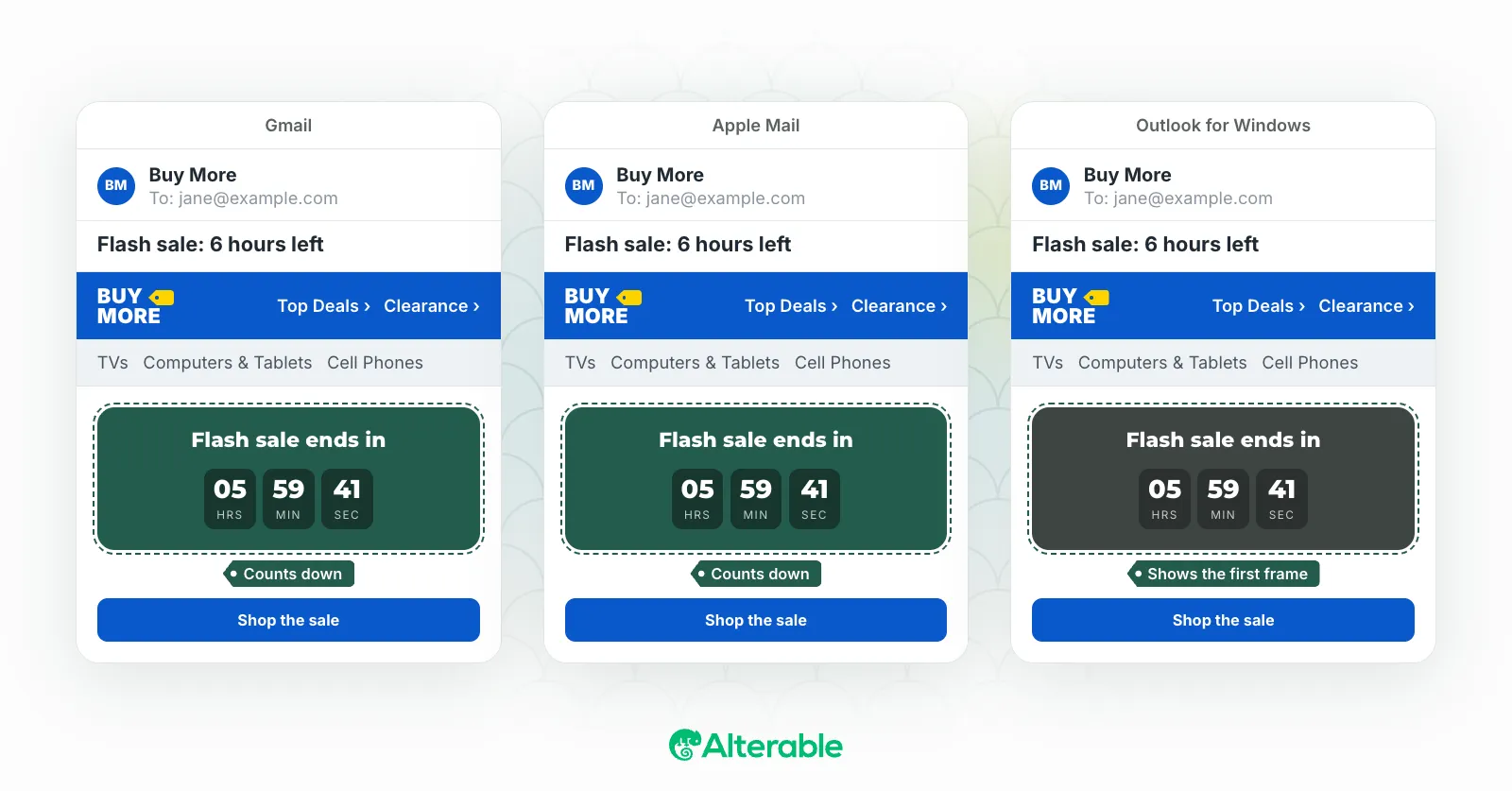
Countdown timers are one of those email marketing tools that look deceptively simple on the surface. A ticking clock, a little urgency, a bump in conversions. But there’s a detail worth getting right before you choose a tool: the difference between a fixed date timer and an evergreen timer.
If you’re shopping for an email countdown timer service, you’ve probably encountered both types. They look identical in an email: a ticking countdown showing days, hours, minutes, and seconds. But they work in fundamentally different ways and serve very different purposes. To choose the right tool for each campaign, you need to understand the difference between evergreen and fixed date timers.
What Is a Fixed Date Countdown Timer?
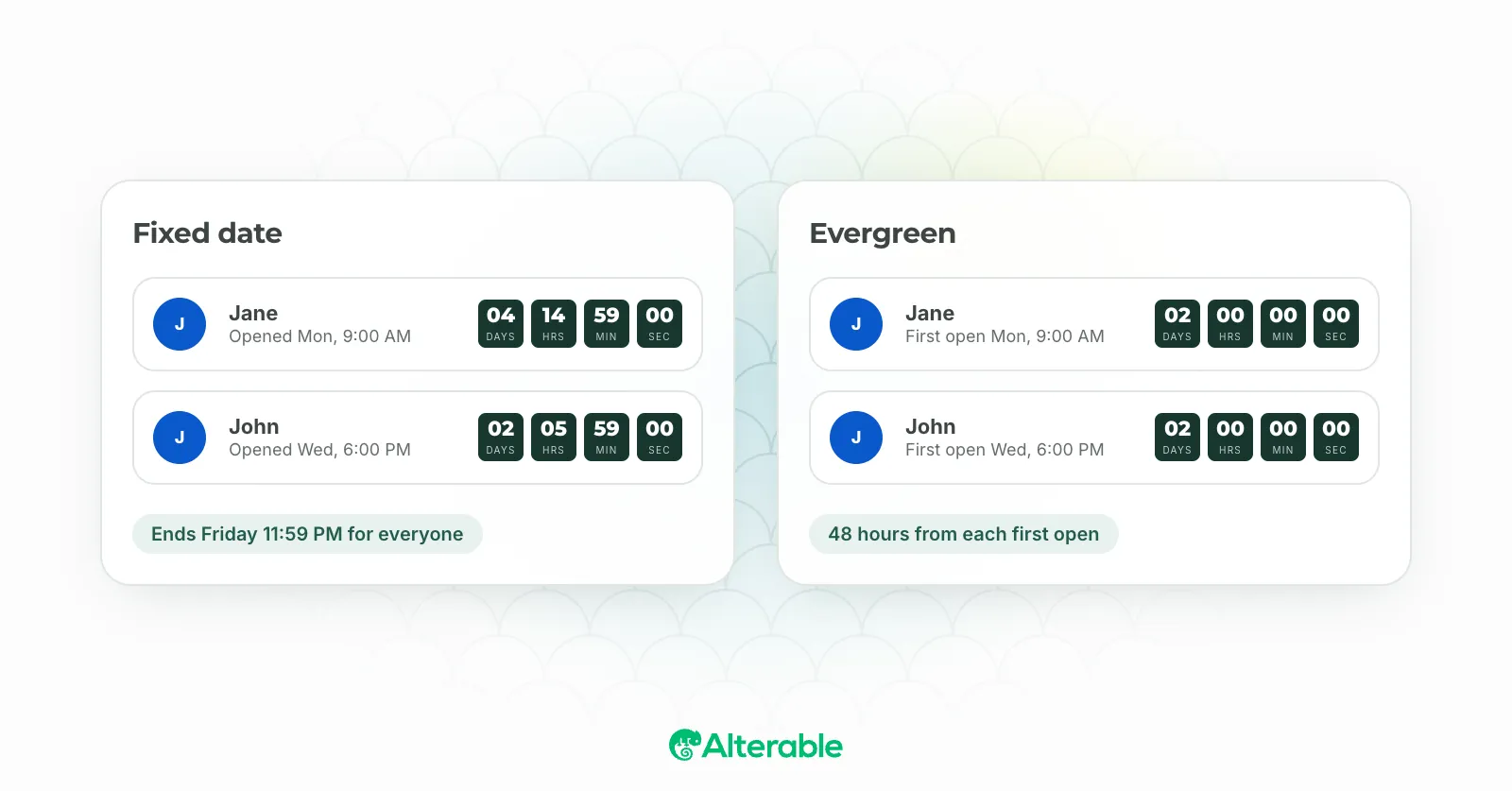
A fixed date countdown timer counts down to a specific, predetermined point in time: the same deadline for every subscriber, regardless of when they open the email.
For instance, if your Black Friday sale ends at midnight on November 29th, a fixed date timer will show all of your subscribers the same countdown to that deadline. If someone opens the email at 9 a.m. on November 28th, they’ll see 39 hours left. Someone who opens it at 6 p.m. on November 28th will see 6 hours left. The deadline is real, shared, and applies to everyone.
How Fixed Date Countdown Timers Work
When you set up a fixed date timer, you define the expiration date, time, and time zone. The timer service’s server calculates how much time remains between “now” (when the email is opened) and the fixed endpoint, then delivers an animated GIF showing the countdown. The deadline never moves. It’s set in stone.
When to Use Fixed Date Countdown Timers
- Flash sales with a hard end date: the deadline is real and applies to everyone simultaneously.
- Event registrations: when the event has a specific date and you want to drive registrations before it.
- Seasonal promotions: Black Friday, end-of-season sales, holiday offers with a genuine cutoff.
- Product launches: counting down to a launch date that’s the same for all subscribers.
- Cart abandonment with a real deadline: “Your cart is reserved until 5pm today.”
Pros and Cons of Fixed Date Countdown Timers
Pros:
- Creates genuine, verifiable urgency: the deadline is real.
- Consistent experience across your entire subscriber base.
- Easy to set up for one-time campaigns.
- Builds trust: subscribers can see the deadline is the same for everyone.
Cons:
- After the deadline passes, subscribers who open the email see an expired timer, which requires careful handling.
- Not suitable for evergreen automated sequences where subscribers join the funnel at different times.
- Can feel irrelevant if a subscriber opens the email long after the deadline.
What Is an Evergreen Countdown Timer?
An evergreen countdown timer counts down from the moment each individual subscriber first opens (or receives) the email, rather than to a shared deadline. Each subscriber gets their own personalized countdown.
For instance, if you set an evergreen timer for 48 hours, every subscriber who opens the email will see 48 hours left, regardless of when they open it during your campaign. Their countdown starts the moment they open the email.
How Evergreen Countdown Timers Work
Evergreen countdown timers work by recording the first time a specific subscriber opens the email (tied to their email address or a unique identifier) and starting the countdown from that point. Every subsequent open shows the correct remaining time based on that initial timestamp. The timer is personal to that subscriber.
When the subscriber’s countdown runs out, they see the expired state, even if other subscribers who opened later still have time left on their timers.
When to Use Evergreen Timers
- Automated email sequences: welcome series, onboarding flows, or nurture campaigns where subscribers join at different times.
- Always-on offers: if you run a permanent discount for new subscribers that expires 72 hours after signup, an evergreen timer reflects this perfectly.
- Tripwire offers: time-sensitive upgrade or upsell offers delivered immediately after a purchase or opt-in.
- Personalized urgency at scale: you want the urgency to feel immediate and relevant to each subscriber, not dependent on when your campaign was sent.
Pros and Cons of Evergreen Timers
Pros:
- Works seamlessly in automated sequences regardless of when subscribers enter the funnel.
- Creates personalized urgency: every subscriber feels like the deadline was set just for them.
- Keeps automated campaigns feeling fresh and timely indefinitely.
- Ideal for always-on promotional offers that don’t have a shared expiry date.
Cons:
- The urgency isn’t based on a real, universal deadline, which can feel less authentic than a shared flash sale deadline.
- Requires more careful setup to ensure the offer terms match the timer (the discount must actually expire when the timer does).
- Not appropriate for campaigns where the deadline is genuinely fixed and universal.
Fixed Date vs. Evergreen: Which Should You Use?
The answer usually comes down to one question: is your deadline real and the same for everyone, or is it personalized to each subscriber?
Use a fixed-date timer when your deadline is real, shared, and applies equally to all subscribers: a sale, an event, a product launch, or any hard cutoff that exists independently of when each subscriber opens the email.
Use an evergreen timer when you’re running automated sequences and want each subscriber to experience personalized urgency from the moment they enter your funnel, regardless of when that is.
Many email marketers use both. I’ve seen retail brands run fixed-date timers for their seasonal sale campaigns while using evergreen timers in their abandoned cart automation. A SaaS company might use a fixed-date timer for a quarterly pricing promotion and an evergreen timer in their onboarding sequence to nudge trial users to upgrade. The two types complement each other well.
Do I Need a Different Tool for Each Type?
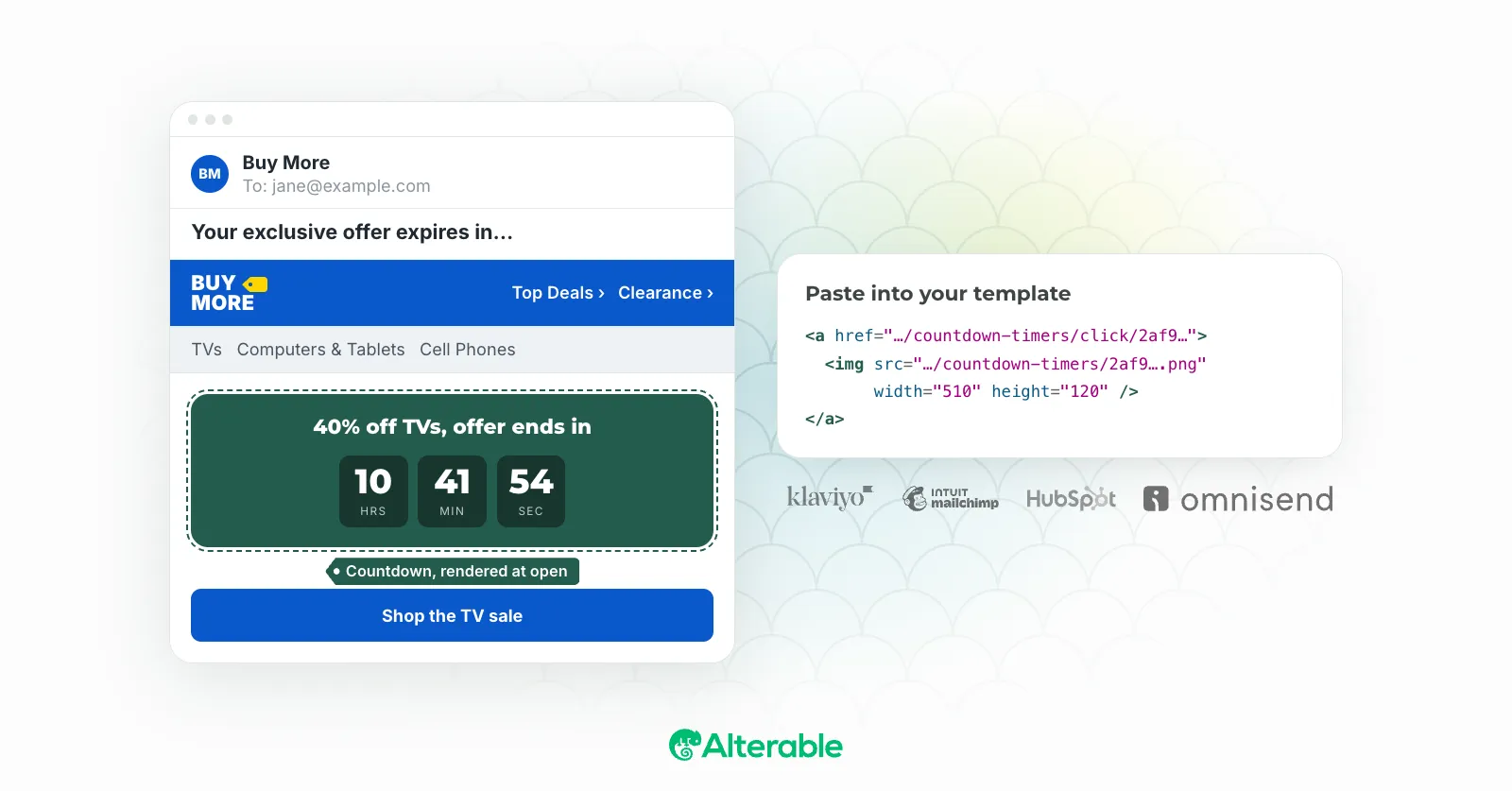
Not necessarily. Alterable supports both fixed date and evergreen countdown timers from the same platform, so you can use whichever type fits your campaign without switching tools. When you create a new timer, you simply choose which type you want: the rest of the setup (design, customization, embed code) works the same way.
A Note on Honesty and Trust
Whichever timer type you use, make sure the urgency is genuine. If you tell subscribers a sale ends at midnight and then reopen it the next morning, you erode trust. Subscribers notice. The same applies to evergreen timers: if your offer page doesn’t actually expire when the timer does, you’ve created false scarcity.
The most effective countdown timers are the ones that reflect real deadlines. Used honestly, they’re one of the most powerful tools in email marketing.
Ready to Try Both Types?
Alterable supports fixed date and evergreen timers with full design customization and direct integrations for Mailchimp, Klaviyo, HubSpot, Constant Contact, Brevo, and Omnisend (click on your ESP for a complete tutorial).