If you’ve ever launched a new email program and watched your open rates flatline in week one, there’s a good chance you either skipped domain warm-up or rushed it.
It happens all the time. The list is ready, the template looks great, and the instinct is to just send. What actually happens is that Gmail, Yahoo, and Outlook receive an email from a domain they’ve never seen before, sending thousands of messages at once, with no track record to go on. Their spam filters don’t know you yet. And their default assumption isn’t generous.
Domain warm-up is the process of building that track record deliberately: starting with low volumes, proving your sending behavior is consistent and trustworthy, and gradually earning the right to send at scale. Think of it as building your sender reputation from scratch. That reputation is what inbox providers use to decide, at scale and in real time, whether your emails belong in the inbox or not. Skip it, and you risk throttling, spam folder placement, or getting your domain blacklisted before your program even gets started.
Why ISPs treat new sending domains with suspicion
Inbox providers don’t evaluate your emails on content quality alone. They make probabilistic decisions at scale, using signals accumulated over time: how often recipients mark your messages as spam, whether your emails bounce, how many people open and click, and whether your sending volume follows a recognizable pattern.
A brand-new domain has none of that history. From the perspective of a spam filter, a new domain blasting 50,000 emails looks no different from a spammer who just registered a throwaway address. You need to prove you’re not that. The only way to do it is by building up evidence gradually, one good send at a time.
This is what domain warm-up actually accomplishes. It’s not a ritual or a technicality you’re checking off. It’s reputation building through observed behavior.
What the warm-up process looks like in practice
The mechanics are straightforward. You start with a small volume of emails, sent to your most engaged subscribers, people who’ve opened or clicked recently. Those sends generate positive signals: opens, clicks, no spam complaints. ISPs notice. They start forming a picture of your domain.
Over the following weeks, you expand volume methodically, working outward from your most active subscribers toward less engaged segments. A reasonable starting schedule looks like this:
| Week | Daily volume | Who to target |
|---|---|---|
| 1–2 | 100–500 | Most active subscribers |
| 3–4 | 500–2,000 | Regularly engaged |
| 5–6 | 2,000–5,000 | Occasionally engaged |
| 7–8 | 5,000+ | Full list |
For larger lists (250k subscribers and up), extend this timeline. Twelve weeks is not unreasonable. Rushing the ramp is the single most common mistake I’ve seen, and the consequences aren’t subtle: filtering to spam, throttling, or domain-level blocks that take weeks to recover from.
I ran a warm-up like this back in 2015 at an email marketing company. We were warming two segments simultaneously: existing clients and members, and a much larger prospect list. Both started at 20,000 sends on day one, but they diverged from there. The client segment plateaued at 30,000 daily once it reached the cadence we needed, targeting 8 million sends per month. The prospect list we ramped up more aggressively, from 20,000 up to 60,000 per day over nine days, targeting 17 million per month.
What made that plan work was the monitoring setup. Rather than watching aggregate delivery rates, we tracked performance by ISP: Gmail, Yahoo, Hotmail, AOL, and Comcast each had their own row. That mattered because each provider interprets reputation signals differently. What gets you filtered at Yahoo won’t necessarily cause the same problem at Gmail. Separating them let us catch provider-specific issues early, before they compounded.
One thing our ESP’s technical account manager flagged before we’d even sent a single email: don’t use hyphens or the word “free” in your sending domain. Either one can trip spam heuristics before your emails are evaluated on their own merits. It sounds minor, but getting your domain name wrong means you’re starting with a disadvantage you didn’t need to create.
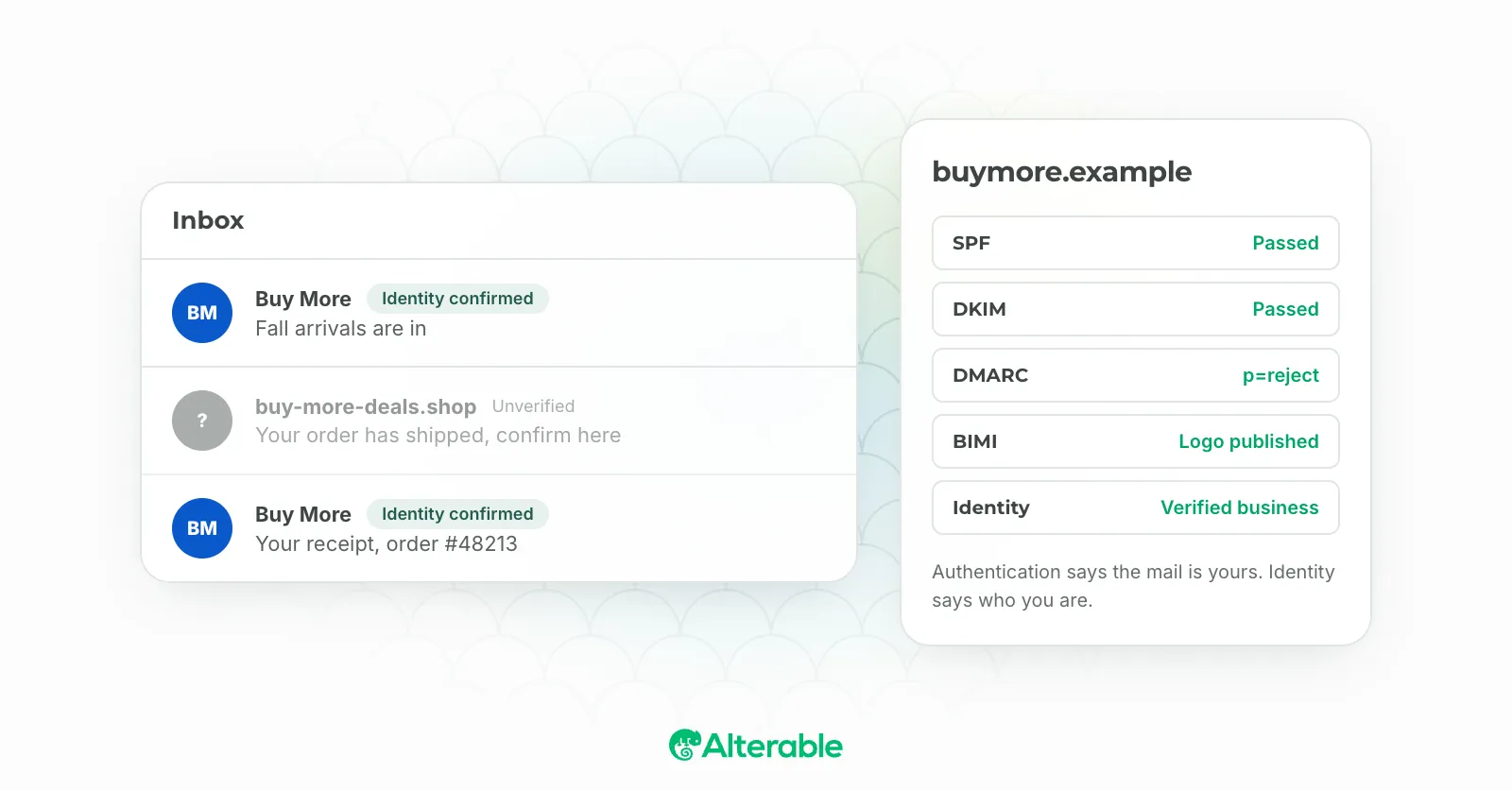
Before you send anything, make sure email authentication (SPF, DKIM, and DMARC) is properly configured. SPF (Sender Policy Framework) tells receiving servers which IP addresses are authorized to send email on behalf of your domain. DKIM (DomainKeys Identified Mail) adds a cryptographic signature to each outgoing message, giving providers a way to verify the email wasn’t altered in transit. DMARC ties both together: it tells inbox providers what to do (quarantine, reject, or allow) when a message fails either check. Without all three in place, ISPs have no technical basis for trusting that your emails actually came from you. Since Google and Yahoo made bulk sender authentication mandatory in 2024, this is baseline, not optional. You can check all three in about 30 seconds with our free email deliverability test.
The metrics that tell you whether it’s working
During warm-up, your metrics are your early warning system. Don’t check them weekly. Check them after every send.
Delivery rate should stay above 95%. If it drops, you’re either hitting bad addresses or getting filtered. Either way, pause and investigate before sending more.
Spam complaint rate is the most sensitive signal in the stack. Keep it below 0.1%. Above 0.3% is serious and will accelerate reputation damage fast. This is exactly why starting with your most engaged segment matters so much: people who actively want your emails are far less likely to hit “report spam.”
Bounce rate above 2% points to list hygiene problems. Hard bounces (addresses that don’t exist) should be removed immediately. Continuing to send to them tells ISPs your list wasn’t collected carefully, which is a negative signal even if your content is good.
Open rate won’t be at its peak during warm-up, since you’re only mailing your most active segment. But it should be consistent and healthy relative to your historical benchmarks.
One tool worth having open throughout: Google Postmaster Tools. It’s free, and it gives you a direct view into how Gmail classifies your domain reputation. If you’re seeing “Low” or “Bad” in Postmaster while you’re still in warm-up, that’s a signal to slow down and diagnose before you continue.
The mistakes that derail warm-up
The most common one is volume impatience. Warm-up is going well, week three feels slow, and someone decides to jump to full-list sending ahead of schedule. The sudden spike in volume triggers filters, reputation drops, and now you’re in recovery mode. Recovery takes longer than the warm-up itself would have.
The second is warming up with the wrong audience. If your early sends go to a cold segment or a purchased list, you’re generating spam complaints from people who don’t recognize you, which poisons your reputation before it’s even established. Your most engaged subscribers exist specifically to help you through this phase. Use them first.
A third issue that’s easy to overlook: starting warm-up with an unvalidated list. If your list has been sitting dormant for any length of time, it will contain addresses that no longer exist (former employees whose inboxes were deactivated, subscribers who moved providers and abandoned old addresses, typos that slipped through sign-up forms) and you need to validate your list. Sending to those addresses generates hard bounces from day one, which is exactly the signal you can’t afford during warm-up. Run your list through an email validation service before you start. Removing invalid addresses upfront is far less damaging than discovering them mid-warm-up when your bounce rate spikes and you have to pause to recover.
A subtler problem is inconsistency between sends. ISPs expect regular, predictable behavior from legitimate senders. I’ve seen programs warm up diligently for five weeks, go quiet for three weeks, and lose meaningful ground because of the gap. Cadence matters as much as volume.
What domain reputation looks like long-term
Have you ever wondered why some senders can recover from a bad campaign in days while others take weeks? The difference is almost always accumulated reputation. Warm-up ends. Reputation management doesn’t.
Your domain reputation is a continuous signal that ISPs update with every campaign you send. The practices that built it are the same ones that sustain it: consistent cadence, clean lists, low complaint rates, engaged subscribers. The difference is that once you’ve established a strong baseline, you’ve built a buffer. Occasional imperfect sends don’t tank your deliverability overnight the way they would for a new or poorly warmed domain.
The best thing you can do for long-term reputation is give subscribers reasons to engage consistently. Dynamic content helps here: when recipients regularly open, click, and interact with your emails, those positive signals compound over time. Tools like Alterable let you embed real-time personalized content (live product feeds, countdown timers, location-aware images) directly in your campaigns, which keeps the experience relevant enough that people actually want to open your next one.
Domain warm-up is the foundation. What you build on top of it is up to you.