Every email marketer has a send they’d like back. The broken link that nobody caught. The subject line with the typo. The personalization tag that rendered as {{first_name}} for half the list. The campaign that landed in spam because the authentication setup had been quietly misconfigured for weeks.
Most of these are preventable. Not with a vague reminder to “send a test email,” but with a real checklist that covers the things that actually go wrong, in the order you’d naturally check them.
Here’s the one I’d use.
Before you look at the email itself: check your foundation
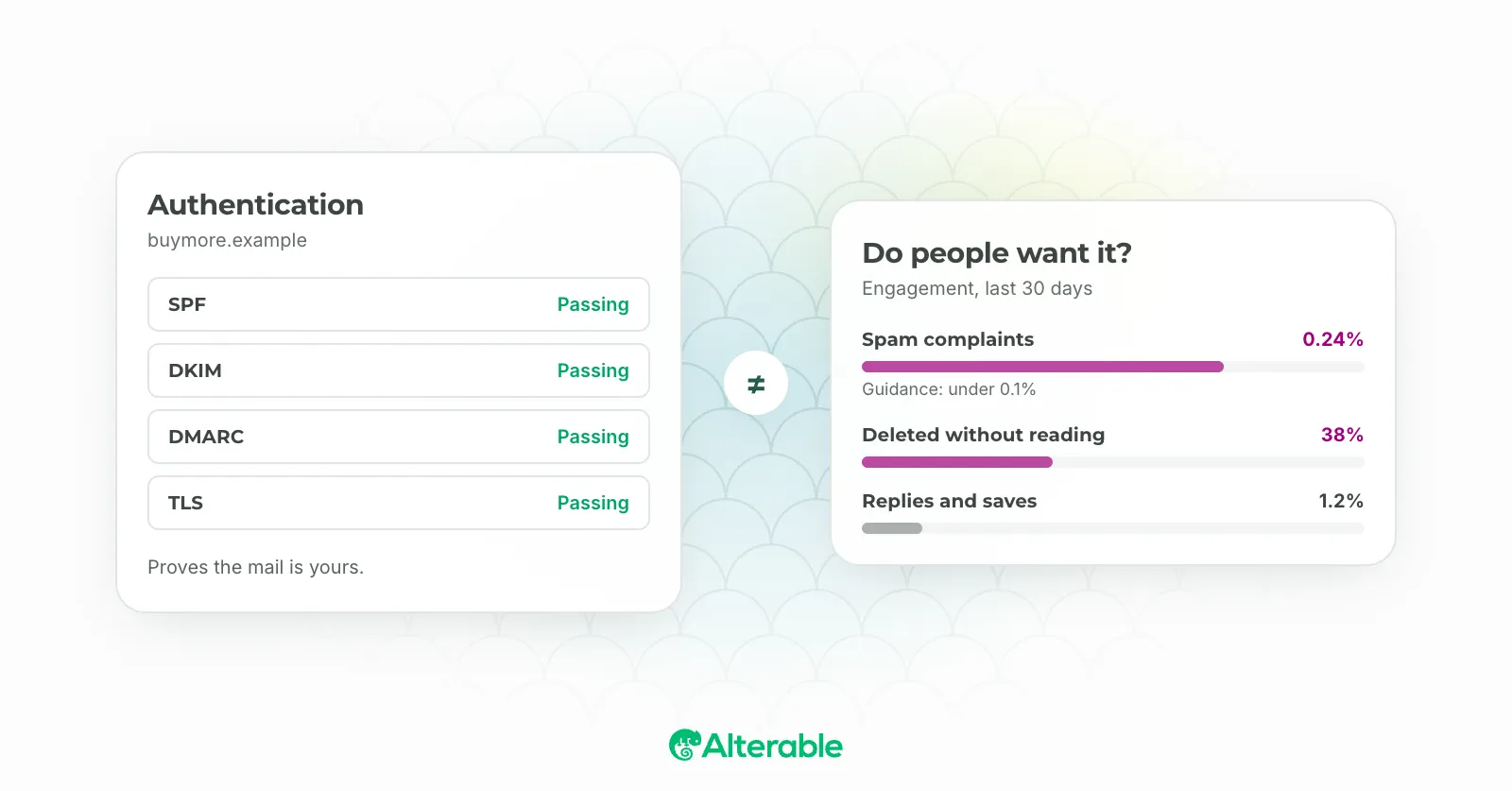
The checks most people skip are the ones that happen outside the ESP. Your authentication setup doesn’t change with every campaign, so it’s easy to assume it’s fine. But DNS records get misconfigured, SPF records go stale when new sending tools are added, and DMARC policies are sometimes rolled back accidentally. I’ve seen a sender discover their DMARC record had been deleted three months earlier; every campaign in that window was operating without it.
Run our free Email Deliverability Test before any major send. It checks your SPF, DKIM, and DMARC records against live DNS and shows you what receiving mail servers actually see. It takes about 30 seconds and has saved more than a few campaigns.
Authentication checklist:
- SPF record exists and includes all current sending sources
- DKIM is configured and signing correctly for your sending domain
- DMARC record is in place with a reporting address set up
- No recent DNS changes that could have affected any of the above
Check your content for spam signals
Authentication gets your email to the inbox door. Content determines whether it gets through. Spam filters evaluate your subject line, body copy, HTML structure, image-to-text ratio, and link density, and they do it before a single human eye sees the email.
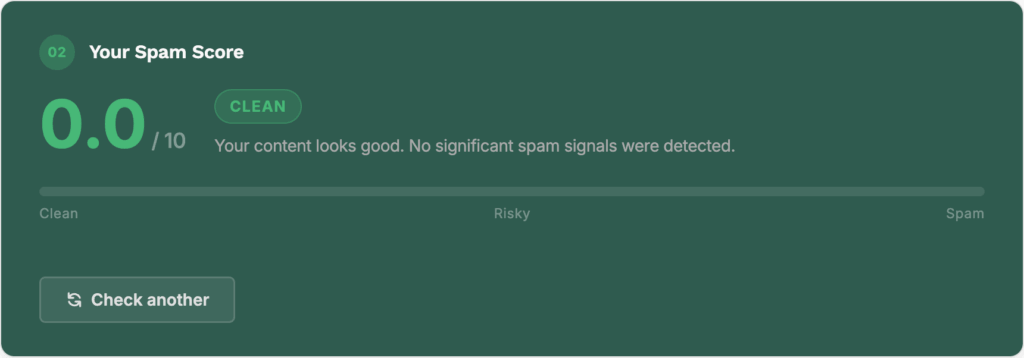
Run your email through our free Content Spam Checker before sending. Paste your subject line and body, and you’ll get a score with a breakdown of what’s flagging. A few specific things to look for:
Content checklist:
- Spam score is in a safe range (aim for as low as possible; anything above 5 on the SpamAssassin scale warrants attention)
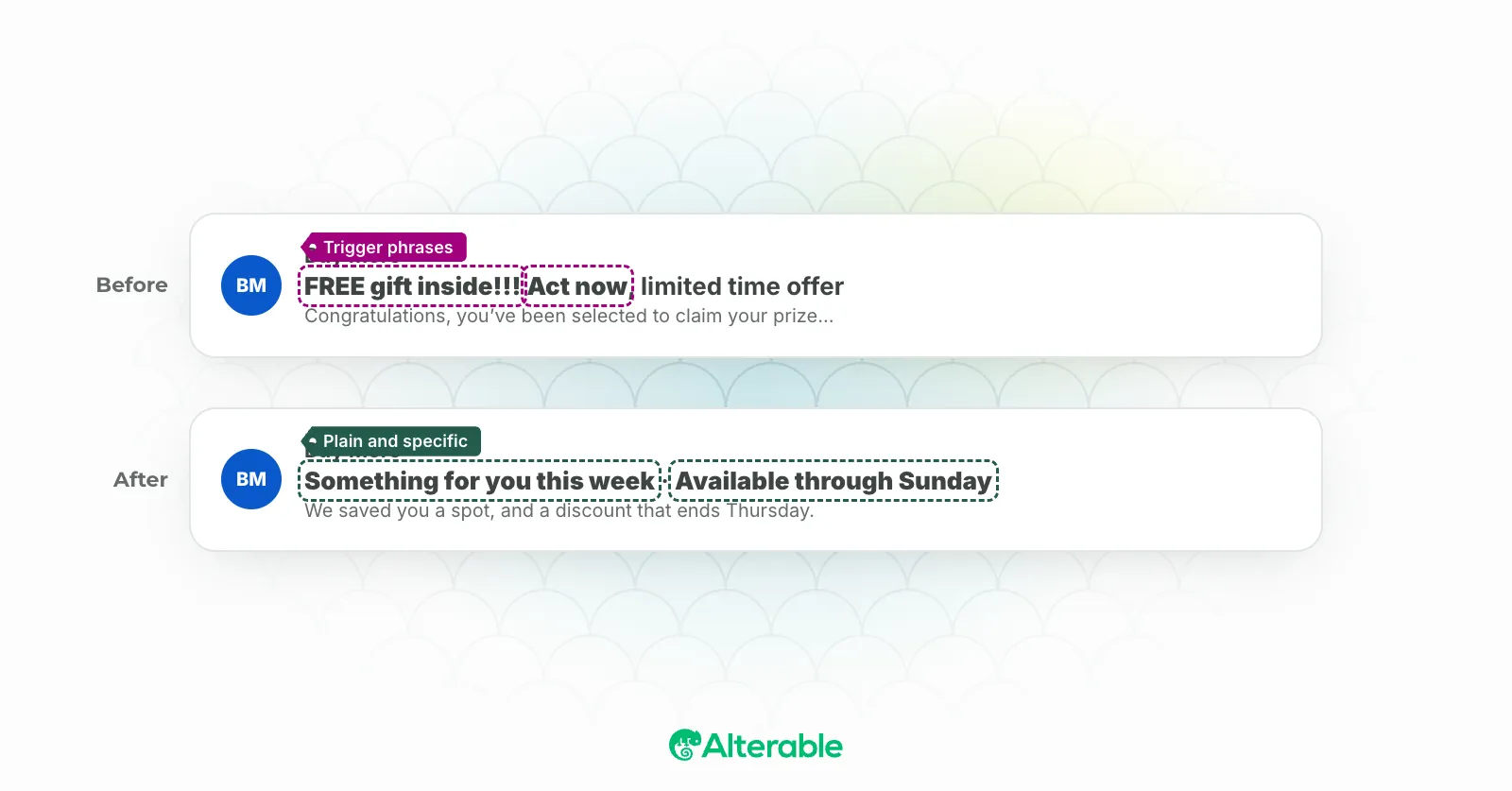
- Subject line doesn’t rely on all-caps, excessive punctuation, or high-signal spam phrases
- Image-to-text ratio is reasonable, emails that are mostly images with little text raise flags
- No more links than the email genuinely needs
- Unsubscribe link is present and functional (required by CAN-SPAM, GDPR, and other regulations, not optional)
- Plain text version exists and matches the HTML version in substance
Check the email itself
Once the foundation is solid, work through the email from top to bottom.
Sender and subject line:
- From name is recognizable, subscribers should know immediately who sent this
- Subject line reads well on mobile (test how it truncates in a narrow preview)
- Preheader text is set and supports the subject line rather than repeating it or showing fallback code
- If using personalization in the subject line, the fallback value is set and appropriate
Body and content:
- Personalization tags are rendering correctly, send a test to yourself and check first name, any dynamic fields
- Fallback values are set for every merge tag (what appears if the field is empty?)
- If using dynamic content blocks, each variant has been reviewed
- If using a countdown timer or any real-time element, it’s rendering with the correct end date and timezone
- Images are loading correctly and have alt text set (a meaningful percentage of subscribers read with images off)
- All CTAs are present, clearly labeled, and point to the right pages
Links:
- Every link in the email has been clicked and verified
- UTM parameters are correctly formatted if you’re tracking clicks in analytics
- The unsubscribe link works, click it in your test send and confirm it actually unsubscribes
Send a real test
This one sounds obvious, but there’s a version of “sending a test” that doesn’t catch much: sending to yourself, looking at it in one client, and calling it done. A more useful test covers more ground.
Testing checklist:
- Send to at least one real email address you control, not just a preview
- View the email in both light and dark mode, dark mode rendering still trips up a lot of templates
- Check it on mobile, not just desktop
- If your audience includes Outlook users, check Outlook specifically, it handles HTML and CSS differently from every other major client, and something that looks fine in Gmail may break there
- Check that the plain text version is readable on its own
Tools like Email on Acid can run automated rendering previews across dozens of clients if you send frequently enough to justify the subscription.
Verify your send settings
The email is ready. Before you schedule or send:
Send settings checklist:
- The right segment or list is selected, double-check the recipient count against what you expect
- Suppression lists are applied (unsubscribes, previous bounces, recent purchasers if this is an acquisition send)
- Send time is correct, including timezone, scheduling for 10am EST and accidentally sending at 10am GMT is a real mistake
- If this is an A/B test, the test parameters, winning metric, and send schedule are all configured correctly
- Campaign is correctly named for reporting purposes
The goal of a checklist like this isn’t to create anxiety before every send, it’s to make the important checks automatic, so you can focus on the content itself without worrying about the infrastructure underneath it. Most of the items above take seconds once they’re habit.
The two that take the most time to build but pay off the most are authentication and content scoring. Get those in place as part of your regular workflow and you’ll catch most problems before they become problems.
Related tools: Free Email Deliverability Test · Free Email Spam Checker · Free DMARC Record Generator · Free SPF Record Generator